06
How to Use
Initial operation
OFF ON
1
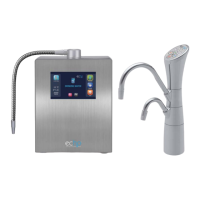
Power up your Hydrogen Water Machine.
-Turn power on with master power switch on back
of machine.
-The machine will go into power saver mode, automatically.
Touch the screen to wake up machine out of “sleep mode”.
Stand-by mode statusStart screen
2
Start water flow through your machine
- Press the desired water type: Hydrogen (H2) Water, Alkaline Water,or Acidic
Water (hypochlorous).
- If you choose Hydrogen Water first, you will hear water entering the machine’s
water chambers. This is normal. If you choose Alkaline Water First, the machine
startup may be quieter.
Note
The water may initially come out discolored (light to charcoal gray) due to carbon particles
in the new filter. This is not harmful and is typical of all carbon filters. Allow the water to flow
for 2-3 minutes in the "H
2 water" mode and this will flush out all the carbon dust.
4000
FILTER LIFE


 To Next Page