20
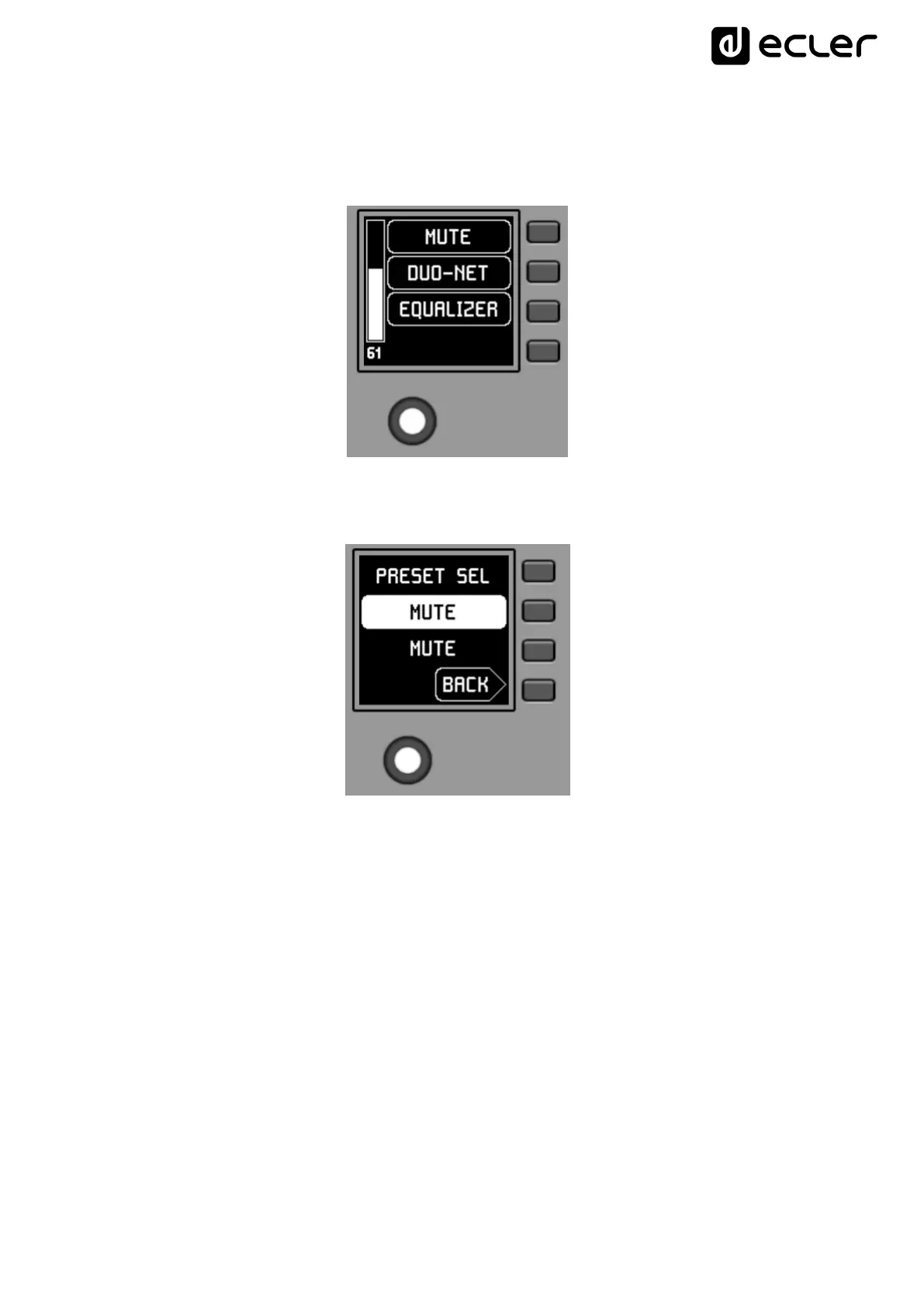
Pressing K5 confirms the loading action of the preset shown in the previous screen, in
the following example the preset "MUTE", returning to the main screen with the
information of the new active preset updated in S1:
A new press of K1 would give access to the preset selection menu with this new look
(active preset = "MUTE"):



 To Next Page