19
S1: Preset active, in the previous example "START". Preset selection menu
accessible via K1
S2: selected sound source, in the previous example "DUO-NET". Source
selection menu accessible via K2
S3: text to access the equalisation menu, via K3
6.4.1 Preset selection
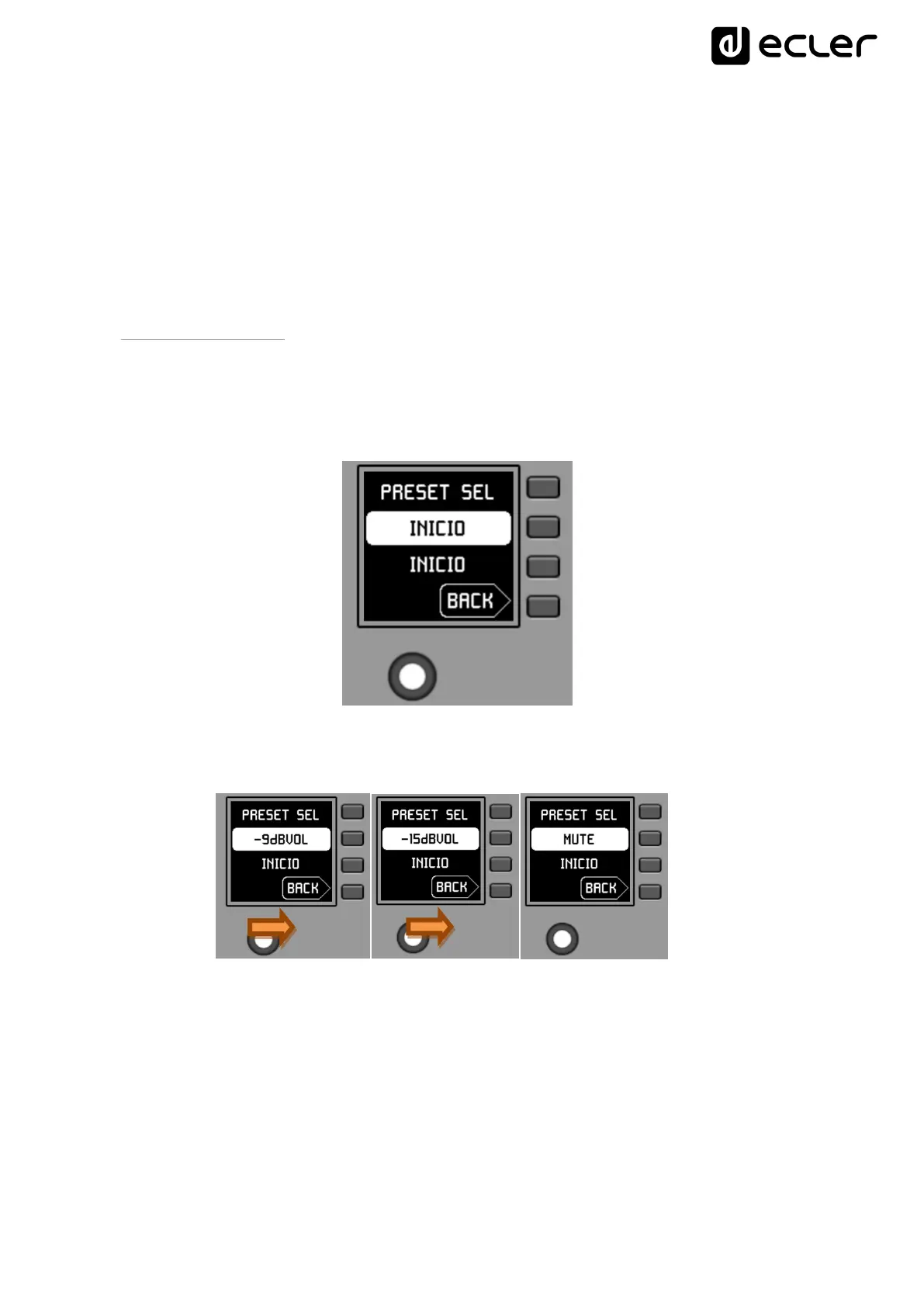
The text field S1 shows the active preset, in the example above the preset labeled
"START" on the MIMO4040DN unit. Pressing the K1 key takes you to the preset
selection menu:
In this menu, S3 displays the active preset, while S2 flashes the options of the assigned
carousel of available presets as you navigate through the K5 turn:
etc.



 To Next Page