24
6.4.4. Volume setting / MUTE
Like any other panel in the WPNET series, the volume control options, if enabled,
operate from the main display by turning K5 (volume adjustment) and/or pressing K5
(MUTE control).
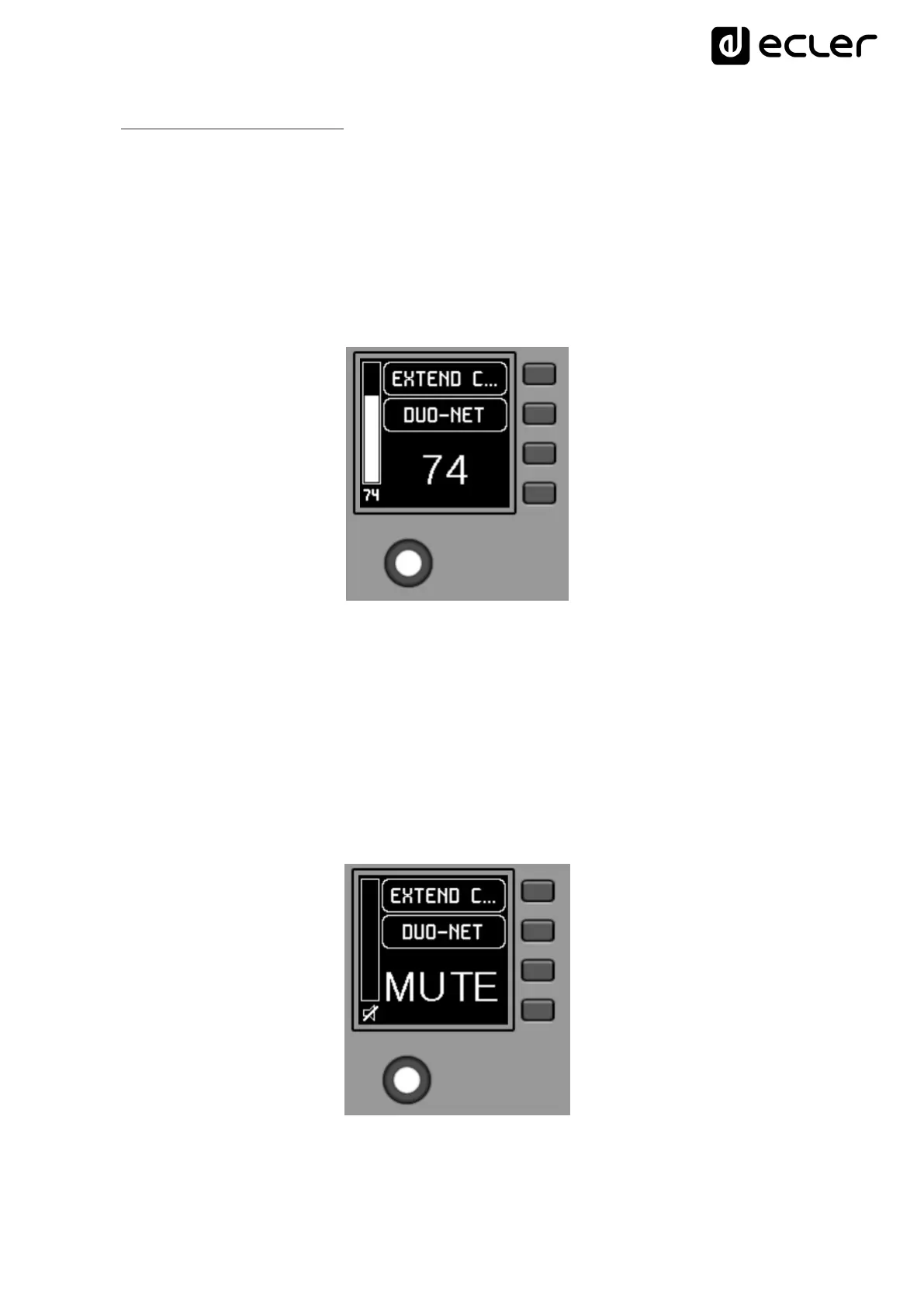
When acting on the rotary control K5, with the objective of modifying the volume to
which the unit points, a different screen is temporarily shown, returning a few seconds
to the previous or main screen. Example:
S1: Name (label) assigned to the control panel, defined from the EclerNet Manager
application. In the example “EXTENDED C…” (EXTENDED CONTROL)
S2: option of the currently selected source carousel. In the "DUO-NET" example
S5, S6: volume value being adjusted by rotary control, displayed in real time, and
matching the same numerical value displayed in larger characters in the lower
middle section of the display (74 in the example above).
Pressing the rotary control activates the MUTE function, if enabled for triggering from
the WPNETEX unit:



 To Next Page