13
6.2 Unit WPNET8K management
WPNET8K has the following possible remote control functions on a MIMO4040DN unit,
programmed from the EclerNet Manager application:
Selecting sources or presets from a preset list in the EclerNet project
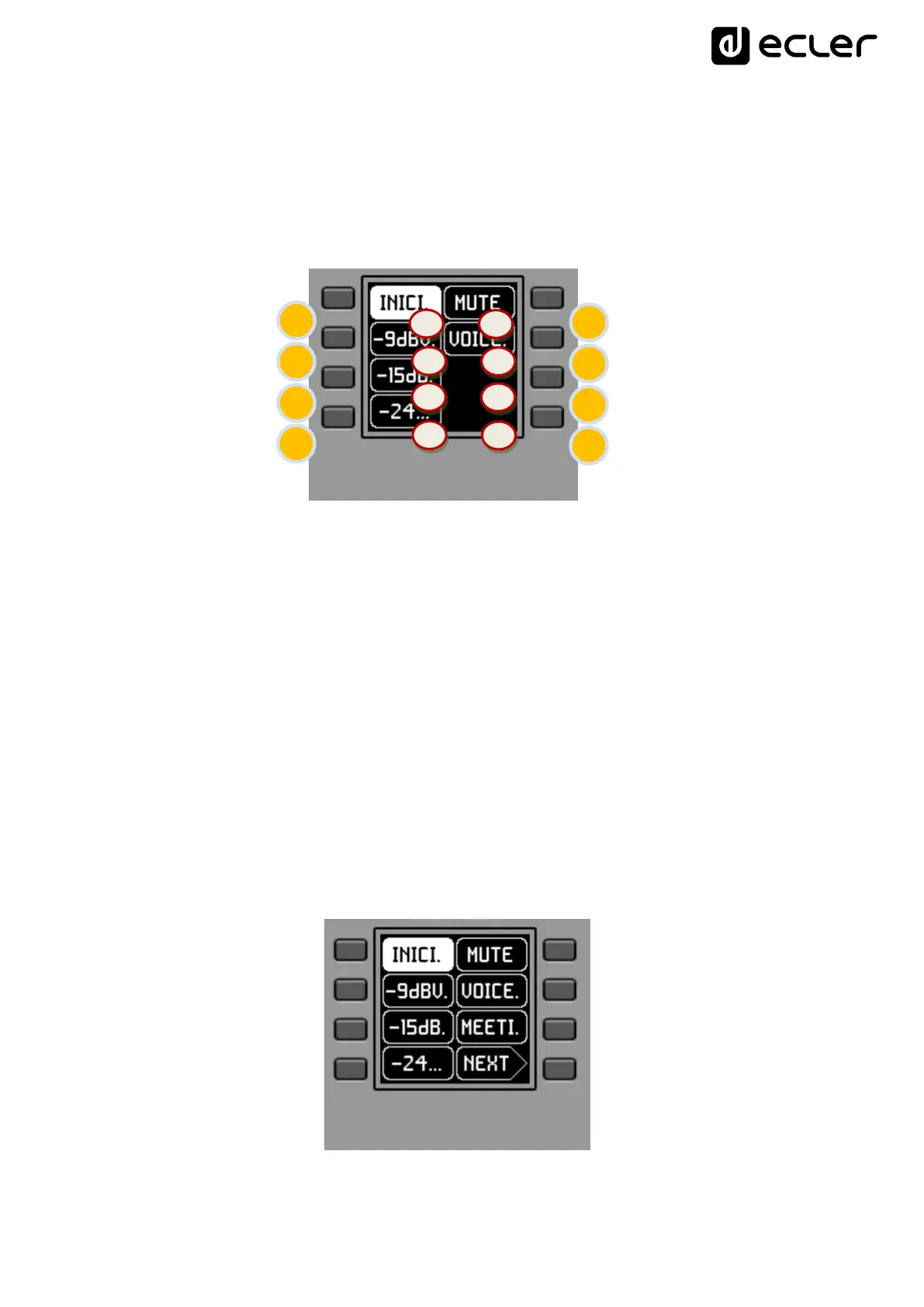
Front panel controls / on-screen information
In the previous image on the front panel, the available physical controls of this panel are:
K1 to K8: keys directly associated with functions displayed on the screen
And the information fields on screen are:
S1 to S8: text fields 1 to 8
Once the unit is connected to the network, powered (via PoE or optional external power
supply) and correctly configured from the EclerNet Manager application, the main screen
will display an image similar to the following:
Main screen, example



 To Next Page