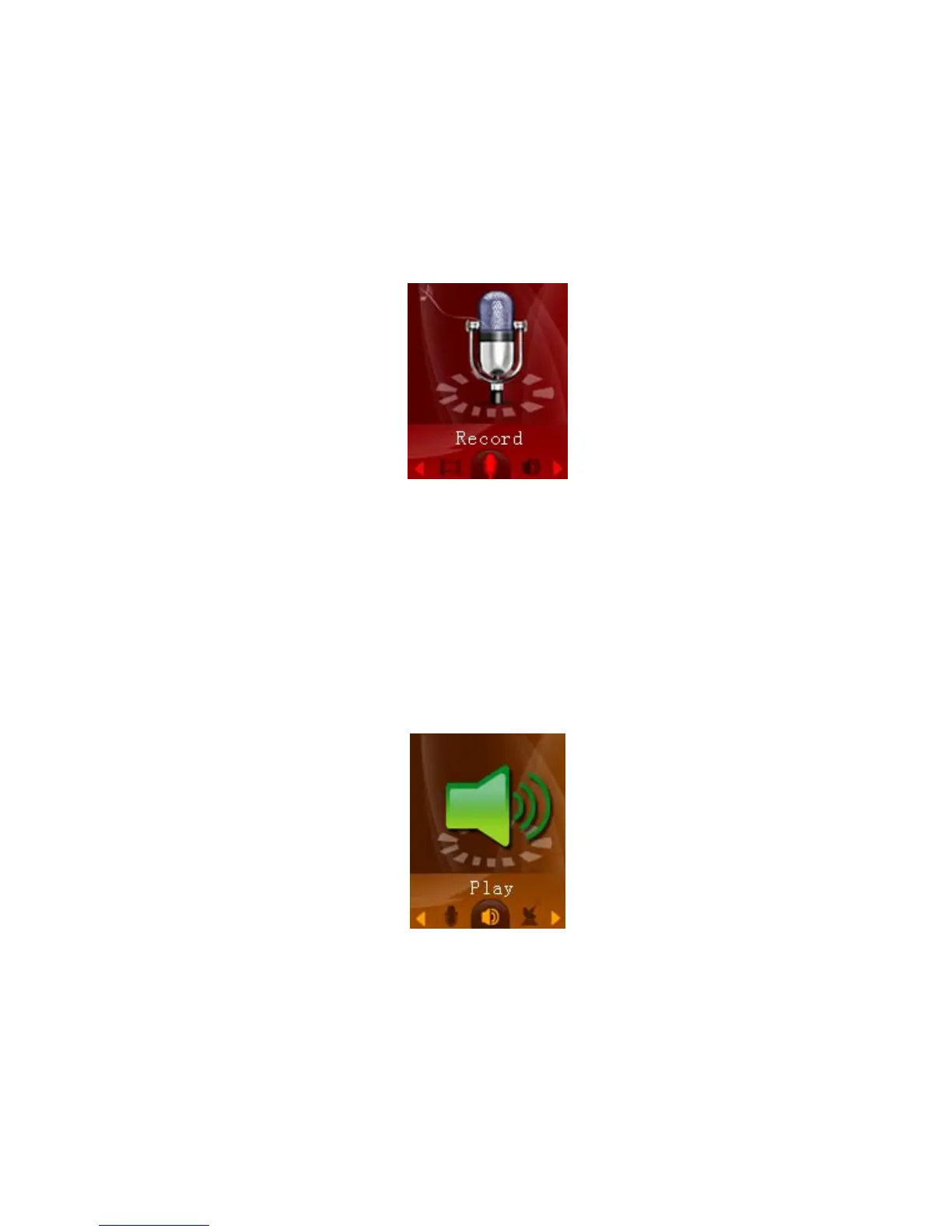
Record mode:
Record mode allows you to record voice notes. To access record mode, use the
[PREV] or [NEXT] buttons to select “Record” on the main menu and press [MENU].
Press the [PLAY] button to begin recording. You can pause the recording by
pressing the [PLAY] button again. If you press and hold the [PLAY] button, it will stop
recording, save the current recording, and be ready to begin a new recording. Press
and hold the [MENU] button to save the current recording and return to the main
menu. To access the recording submenu, press the mode button while the
recording is stopped.
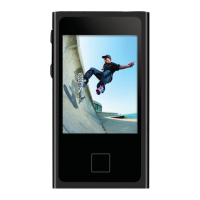
Play Mode:
Play recording
• Now Playing—it shows the recording what you are listen
• Local folder- Allows you to select which folder you want to save voice
12


 To Next Page