COMPUTER COMMUNICATION
Using Windows Media Player
(Note: you must use Windows Media Player 10 or later to use this feature.)
(Note: this player does not support DRM encrypted audio files, such as those
downloaded from the Windows Media Player download service.)
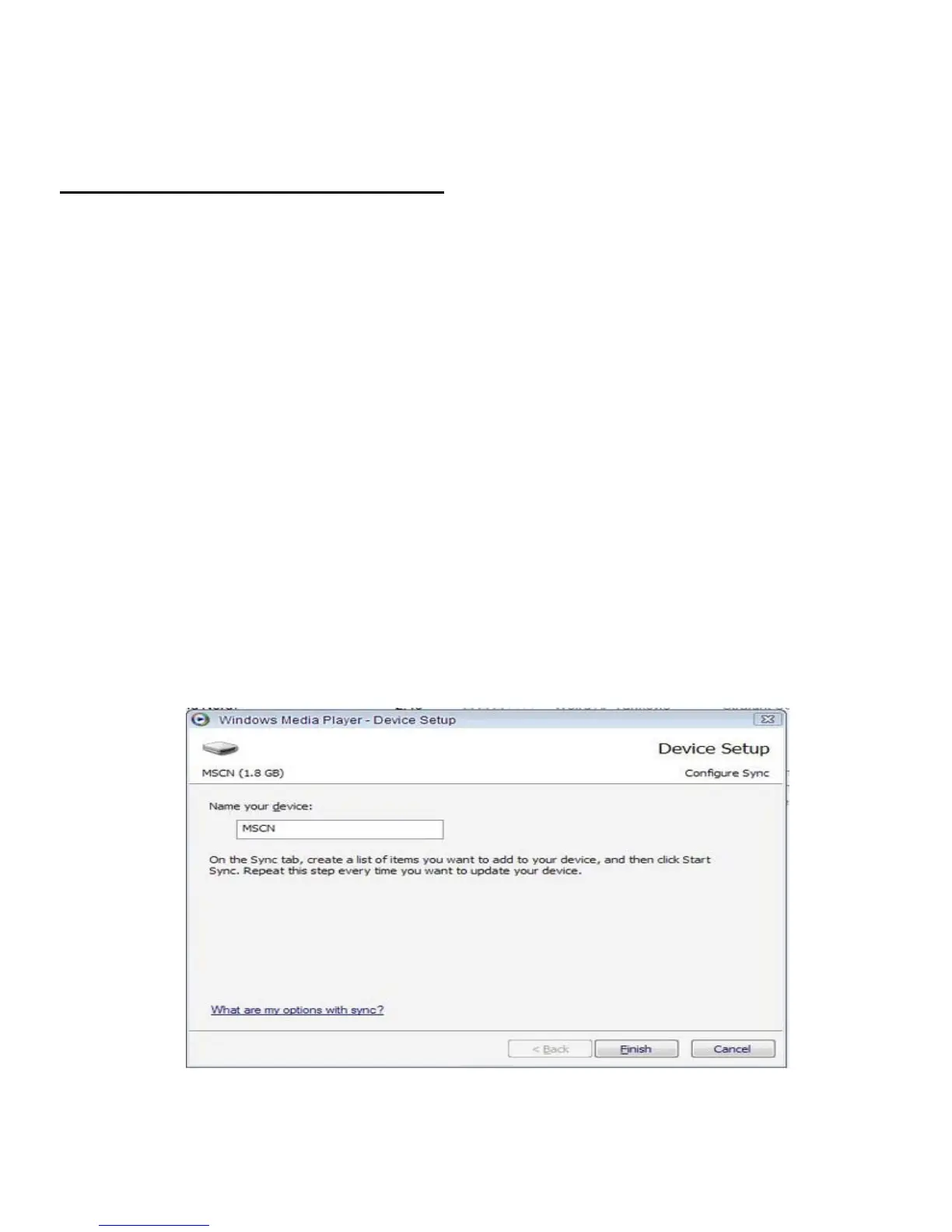
1. Open Windows Media Player and connect the MP3 player to a working
USB port. Windows Media player will prompt you with a setup screen
asking you to name the MP3 player.
14


 To Next Page