Note: When battery power is low, the player will automatically power off.
3) Adjusting volume: In Music, Voice, or Movie modes, press the [VOL] button,
then press [NEXT] or [PREV] button to decrease/increase the volume.
4) Charging: Set the ON/OFF switch to the ON position and connect the player to
your computer’s USB port.
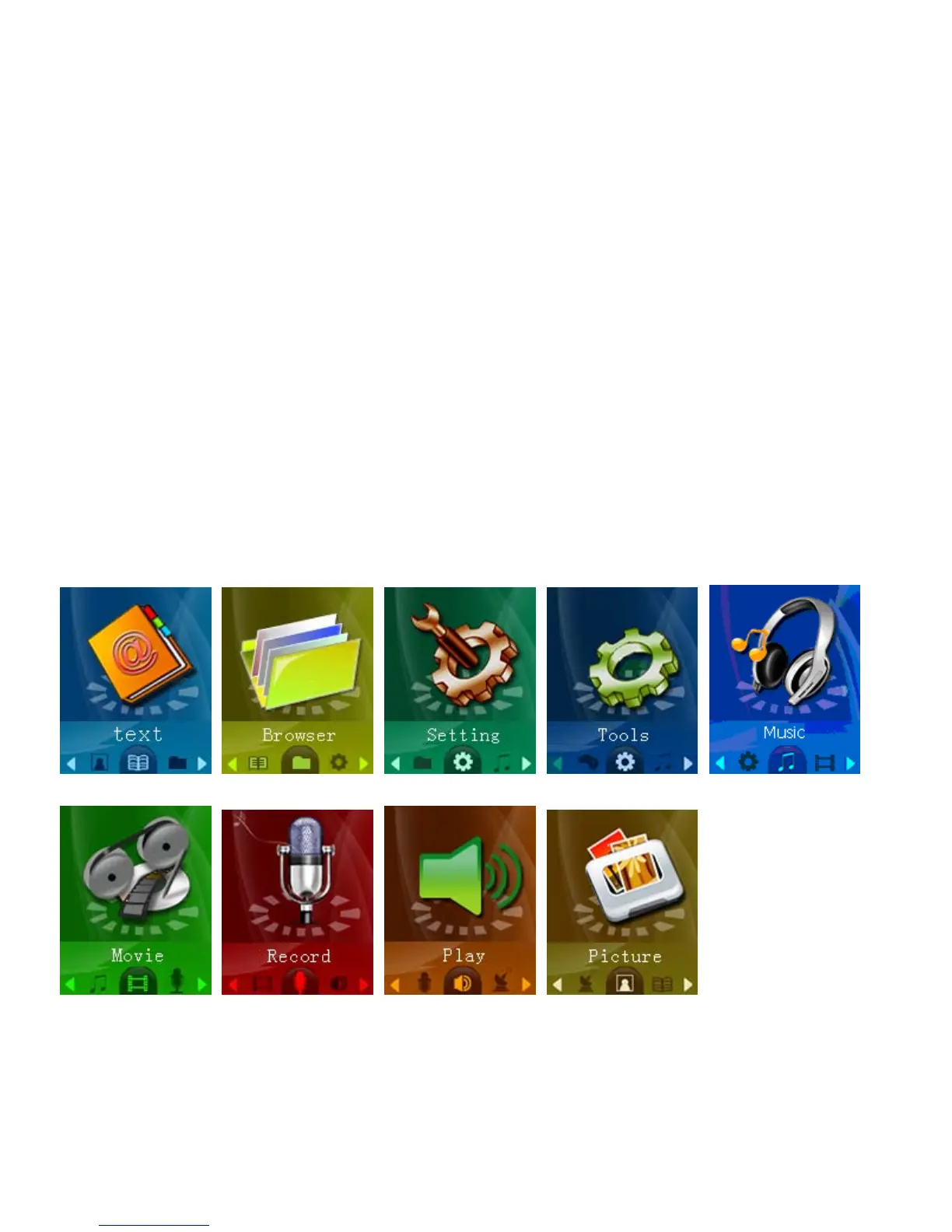
Main menu
The main menu allows you to access the different modes of your player. You can
access the main menu at any time by pressing and holding the [Menu] button. Use
the [NEXT] and [PREV] buttons to navigate, and press the [MENU] button to make a
selection.
4


 To Next Page