17
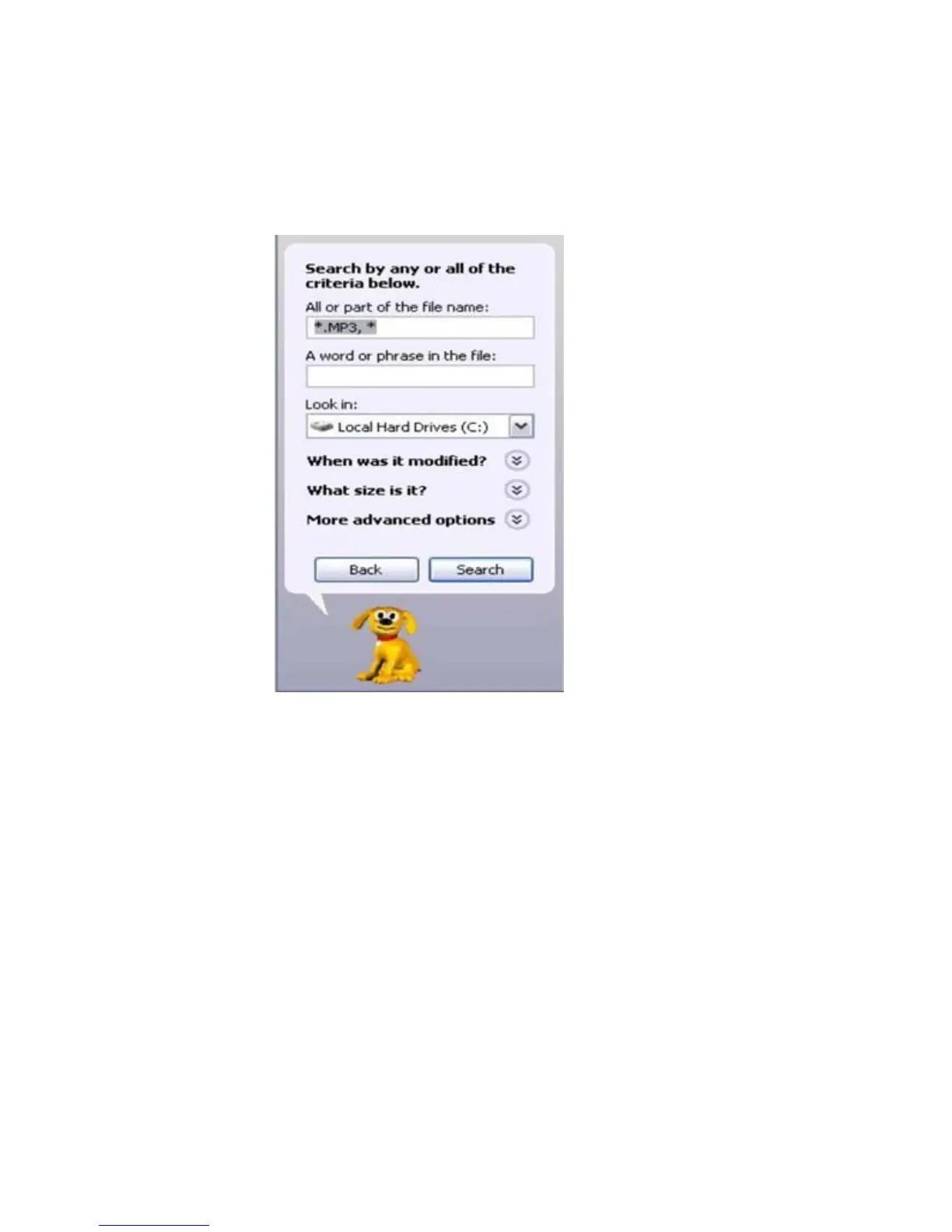
NOTE: if you are unable to locate the music on your
computer, click on start, search, files and folders, then
search for “*.MP3*”.
7. Once you have located the song files, you can right
click on the song itself, and select “copy”. Open the
removable disk drive, right click on in the empty space,
and select Paste. This will transfer the song on to your
player.


 To Next Page