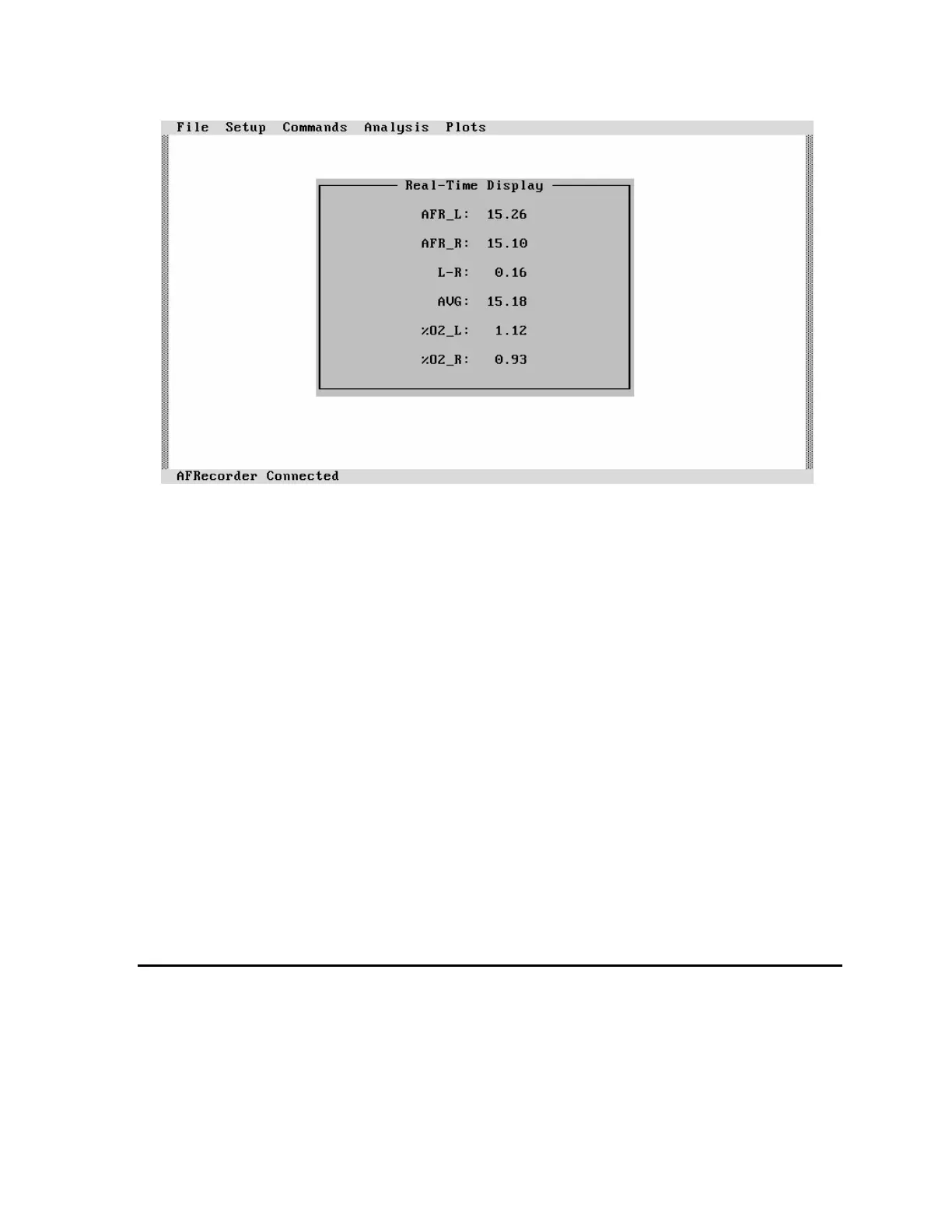
Figure 18: Real-Time Text Display
Real-time display is started by selecting "Commands" followed by "Real-Time Display On".
The command "Real-Time Display Off" ends the display. "%O2", "xxxx", "V LO", "OFF",
and the large character display are not available with AFRemote.
Real-Time Plotting
Real-time plotting turns the PC into an oscilloscope showing the values of the measured
parameters as a function of time.
Real-time plotting is started by selecting "Plots" followed by "Draw Real-Time Plot".
Pressing any key on the PC's keyboard or the mouse's left button will suspend the plotting.
Pressing any key (except for "Esc") or the left button again will continue the plotting.
Pressing "Esc" twice will stop the plotting and return to the main menu.
Modifications in the appearance of the plots (i.e. type and scaling) are made using the "Plots"
menu and the "Set Plot Type" or "Set Plot Scales" selections.
Measurement with Direct Storage to Disk
Real-Time to Disk
Data can be directly stored on a floppy disk, a hard disk, or a ram disk while being viewed on
the PC's screen by selecting "Commands" followed by "Real-Time to Disk". This option
allows the storage of very large amounts of data.
Remote Mode Operation 29



 To Next Page