Remote Operation (using AFRemote Software)
Software Operation
Remote mode allows the following categories of AFRecorder operation, which are available
in stand-alone mode, to be directed from an IBM-compatible PC: measurement,
recording/results, setup, and offsets. In addition, real-time plotting and file handling
capabilities are provided. The AFR measurement calibration ("AIR CAL") and
"ENABLE/DISABLE" functions, the "CAL D/A" option, the display of "%O2", "xxxx",
"VLO", and "OFF" (see Measurement and the "SYS" Key on page 11), and the large
character display are not available in remote mode. Remote mode uses the software program
AFRemote. AFRemote will run as a stand-alone DOS program or from an MS-DOS prompt
within Windows. AFRemote will work on floppy disk, hard disk, or ram disk. Simply copy
the file AFREMOTE.EXE to the desired target disk.
The commands used by AFRemote to interact with the AFRecorder may be used in a user-
written program. Contact ECM for information on communicating with the AFRecorder.
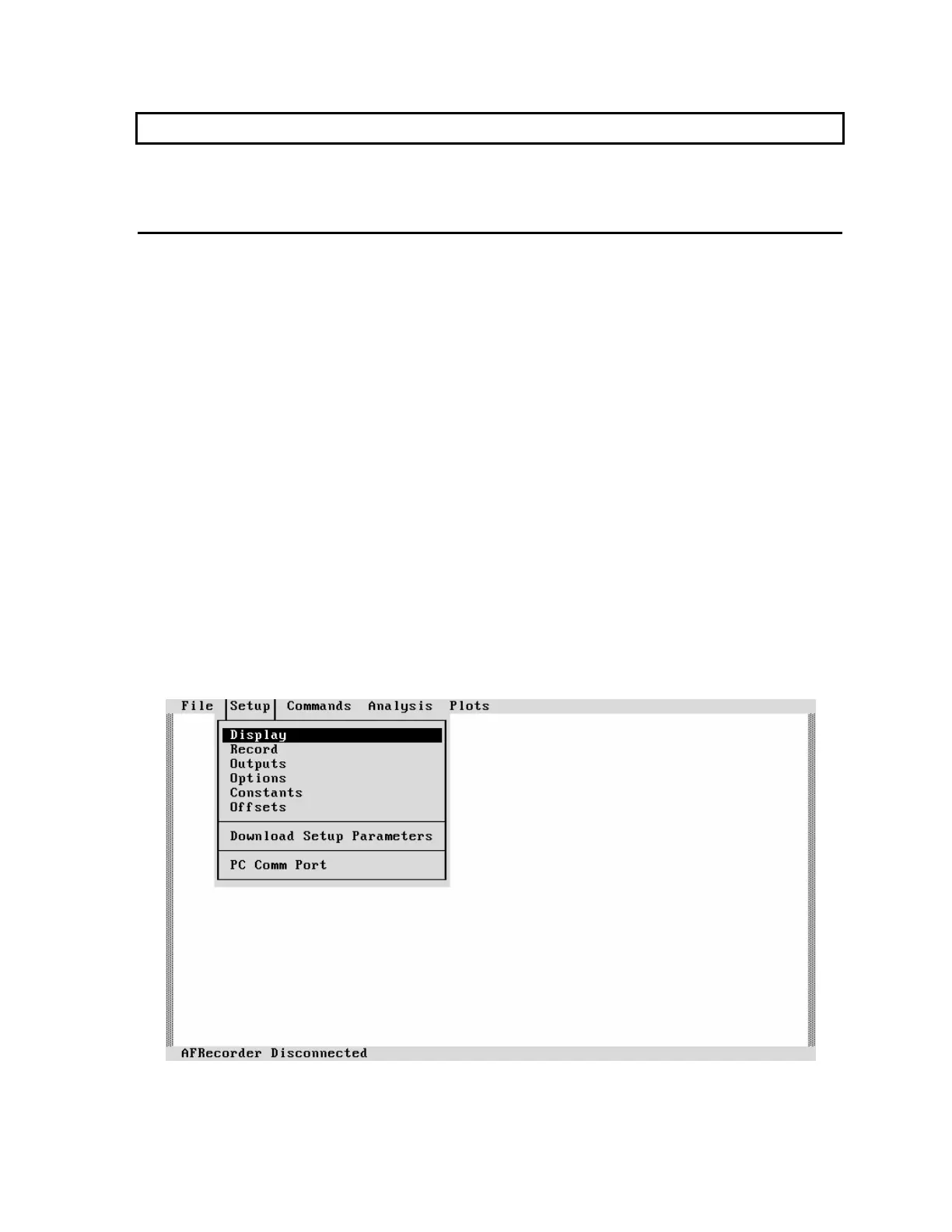
AFRemote is a menu-driven program. Thus, operation of the AFRecorder in remote mode is
not unlike its operation in stand-alone mode in that the user is prompted for entries.
AFRemote however, uses a fancier menu structure with pull-down menus and "exploding"
dialog boxes, and can be operated using the PC's keyboard and a mouse.
To start AFRemote, type "AFREMOTE" (without quotes) while in the directory containing
AFREMOTE.EXE.
Figure 14: An AFRemote Pull-Down Menu Screen
Remote Mode Operation 25



 To Next Page