45
5. WEB INTERFACE.
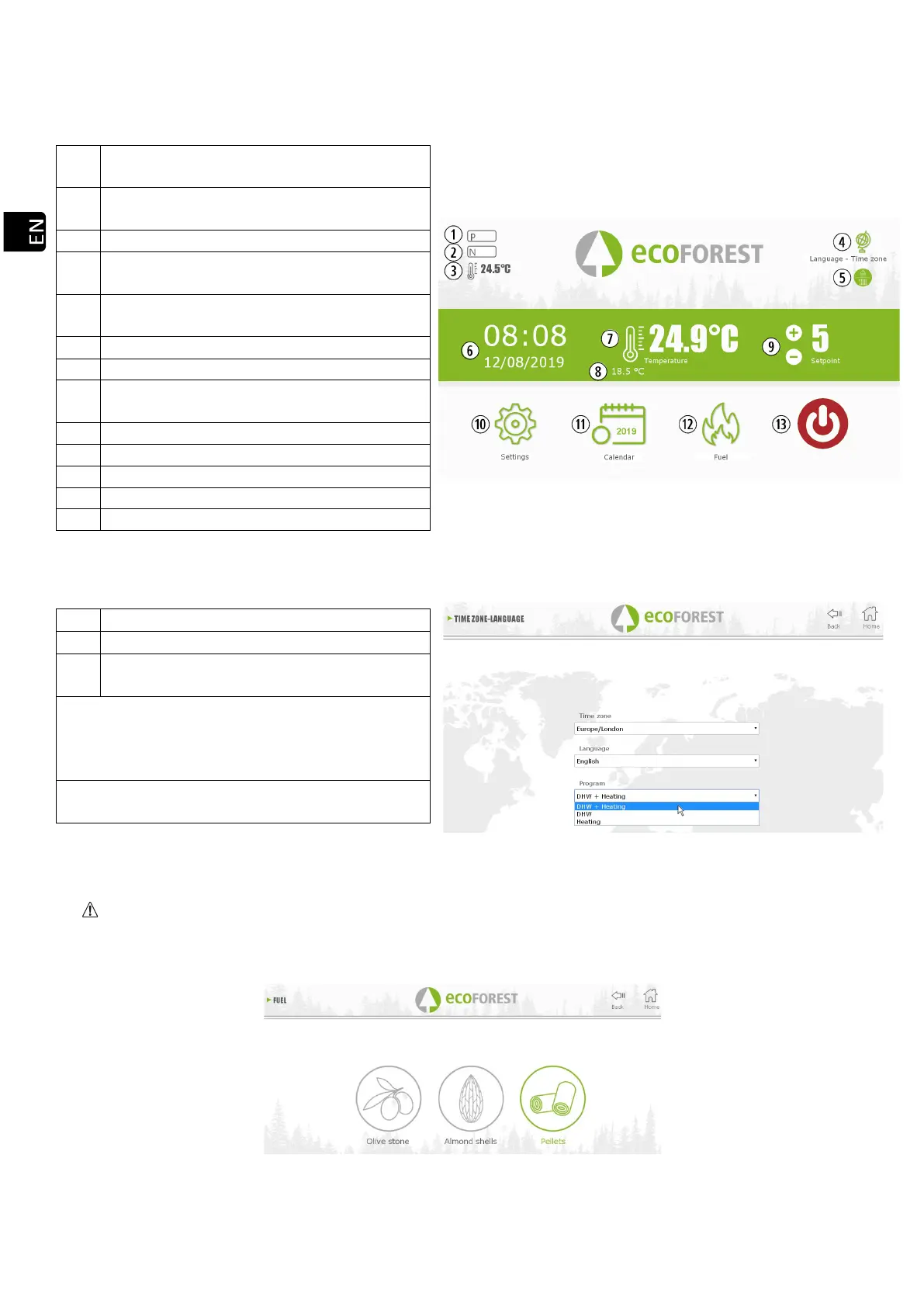
5.1. MAIN SCREEN.
Drawing 32
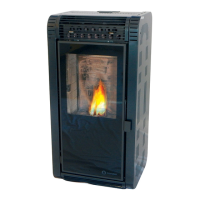
5.2. SETTING OF LANGUAGE, TIME ZONE AND MODE SELECTION HOT WATER / HEATING.
Mode selection Hot Water / Heating mode.
(WATER MODELS)**.
*
The time zone set must always match that of
the machine.
Essential for web-based calendar
**
Only for boilers whose Hot Water+ Heating is
electronically operated by 3-way valves
Drawing 33
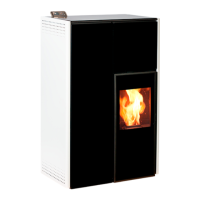
5.3. FUEL SELECTION.
To access this menu the stove must be turned off and showing no alarm (status 0).
To learn more about fuel characteristics and the assembly (if necessary) of mechanical accessories, please refer
to section 3 of the “Installation and Maintenance Manual”. The selected fuel will appear marked in green.
Drawing 34
Operating mode (P or T). Section 5.5. Power
or temperature.
Safety message. (N or AXX). Point 6 Alarms
(AXXX).
Outside ambient temperatura. Optional.
Time zone, language and hot water / heating
mode. (only water models with DHW).
Hot Water / Heating mode. (WATER
MODELS).
Demand room temperature. Water models
only in Power mode.
Room temperature pre-set / power pre-set.



 To Next Page