ECD2800 / ECD2600
10 / 47
KEYBOARD KEYS AND THEIR FUNCTIONS
Enter to unit MENU, fast exit from MENU.
Turn on/off light source. Autozero is performed after turned on.
Confirm the entry to the selected MENU item, confirm the new set value of
the parameter, invoking the QUICK DIAGNOSTICS screen.
Return one step without saving changes.
Directional key.
The value of the setting parameters are increased/decreased with
the up/down arrows and the wavelength value is increased/decreased
directly on the main screen.
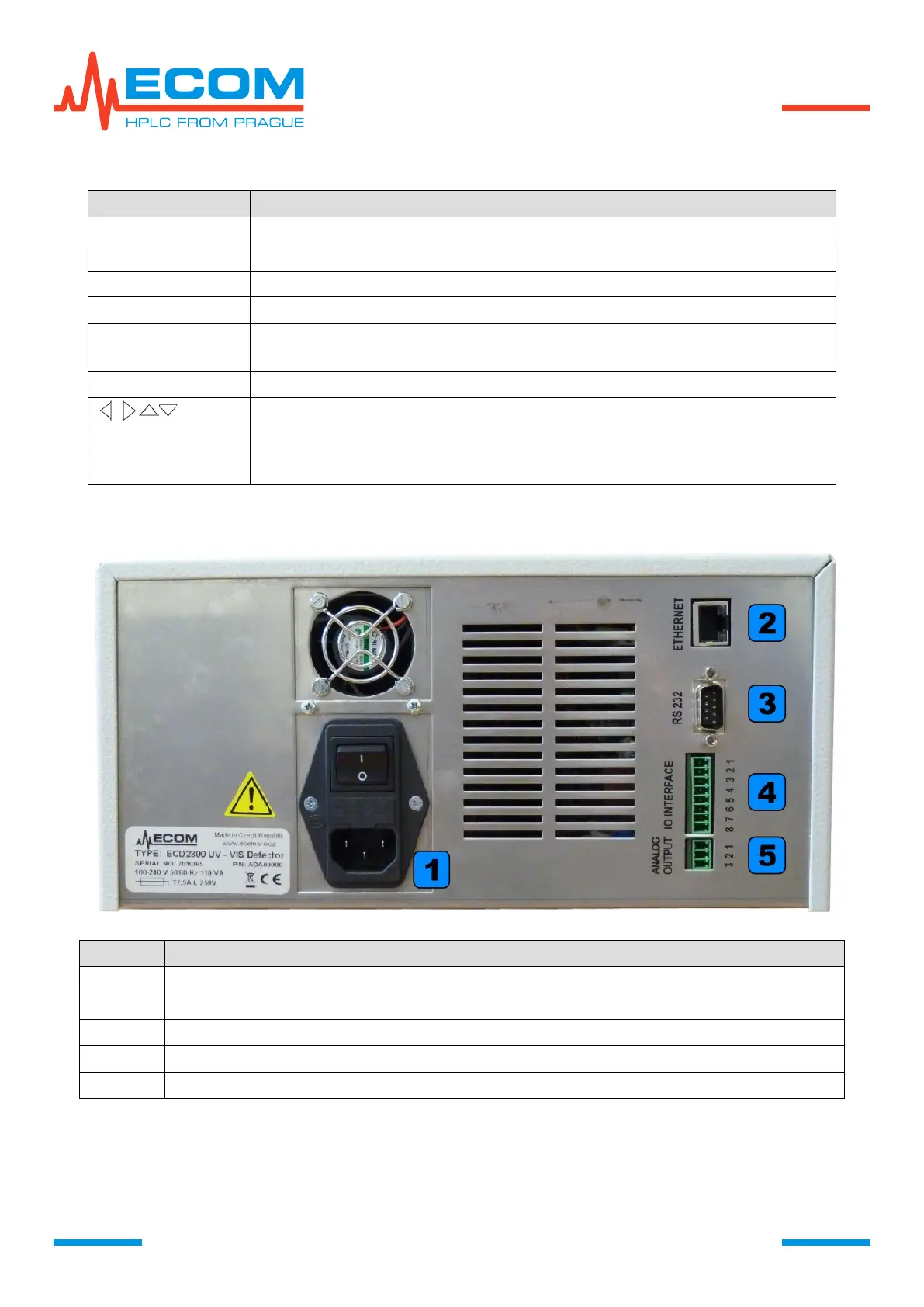
Combined power socket with main switch and main fuse.



 To Next Page