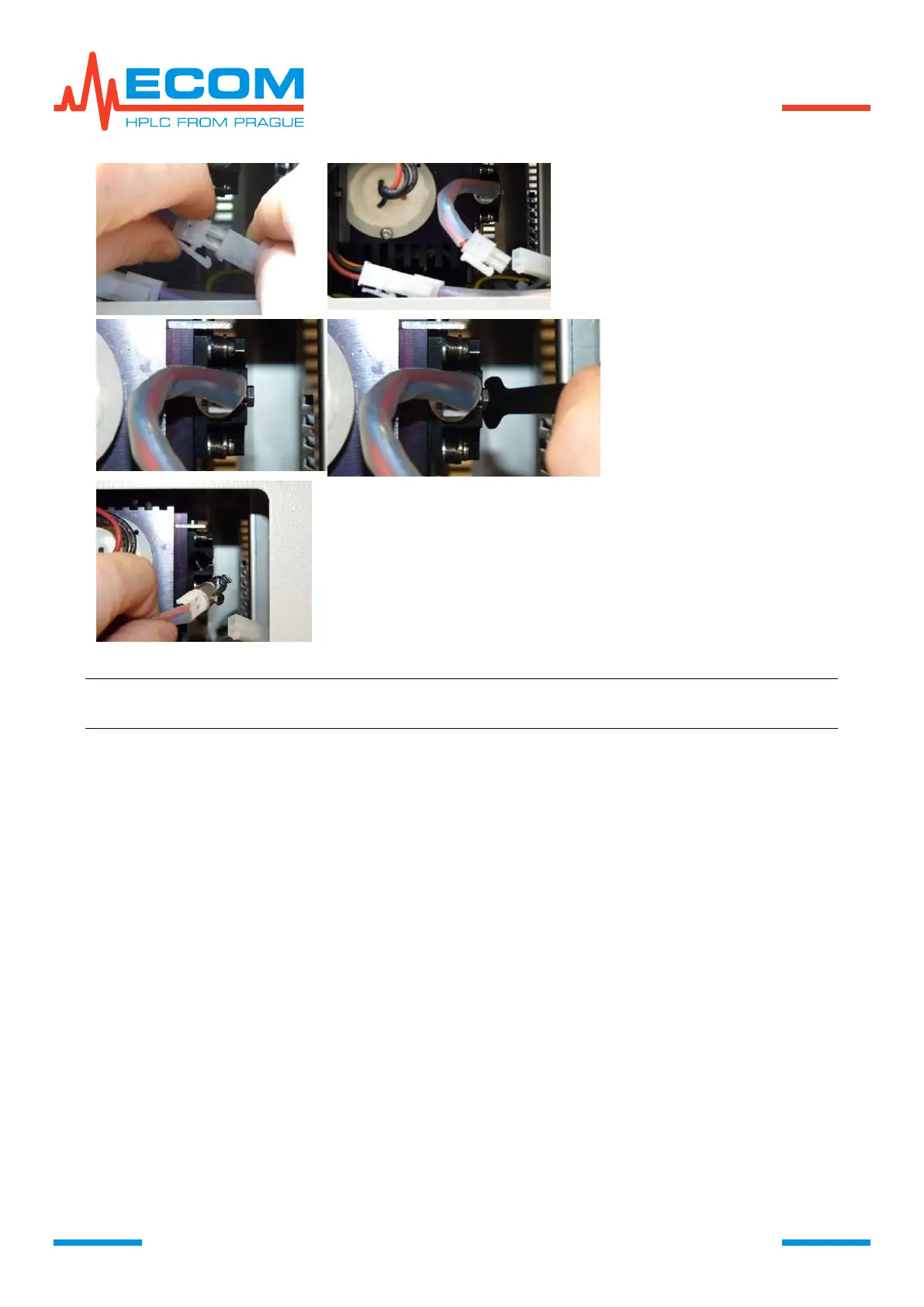
Never touch the quartz bulb with
bare hands, because fingerprints
will irretrievably damage the lamp,
when it is turned on afterwards.
Tighten the screw on the tungsten
lamp holder, connect the cable and
screw up the lamp cover.
Note: We recommend exchanging the tungsten lamp every time when exchanging
deuterium lamp.
If the light sources are exchange together, at first exchange both lamps and then perform
calibration process, as described in previous chapter.
If the tungsten lamp is exchanged separately, it is only necessary to set operating hours to
zero, no calibration is needed.
After entering Menu/Service/Parts replacement/Tungsten Lamp (W) and confirming new
lamp, operating hours are set to zero. Data about old lamp are archived in the unit memory.
6.7.1.3. Cell
In production plant is selected installed cell here. When exchanging cell type, used type is
selected.
7. WORKING MODES
The unit may run in different working modes, depending on desired operation. Some modes
are entered based on operator or controlling PC command, other are invoked automatically in
order to execute sequence of certain operations.



 To Next Page