ECD2800 / ECD2600
11 / 47
4. INSTALLATION AND BASIC CONTROL USING KEYBOARD
Place the unit in a suitable location that satisfies the following conditions:
• Horizontal place.
• Keep at least 10 cm space behind the rear of the unit.
• Keep away from equipment generating strong magnetic field.
• Equipment is intended for use in regular laboratory environment only - see Technical
parameters – operating environment conditions.
4.1. Cell Connection
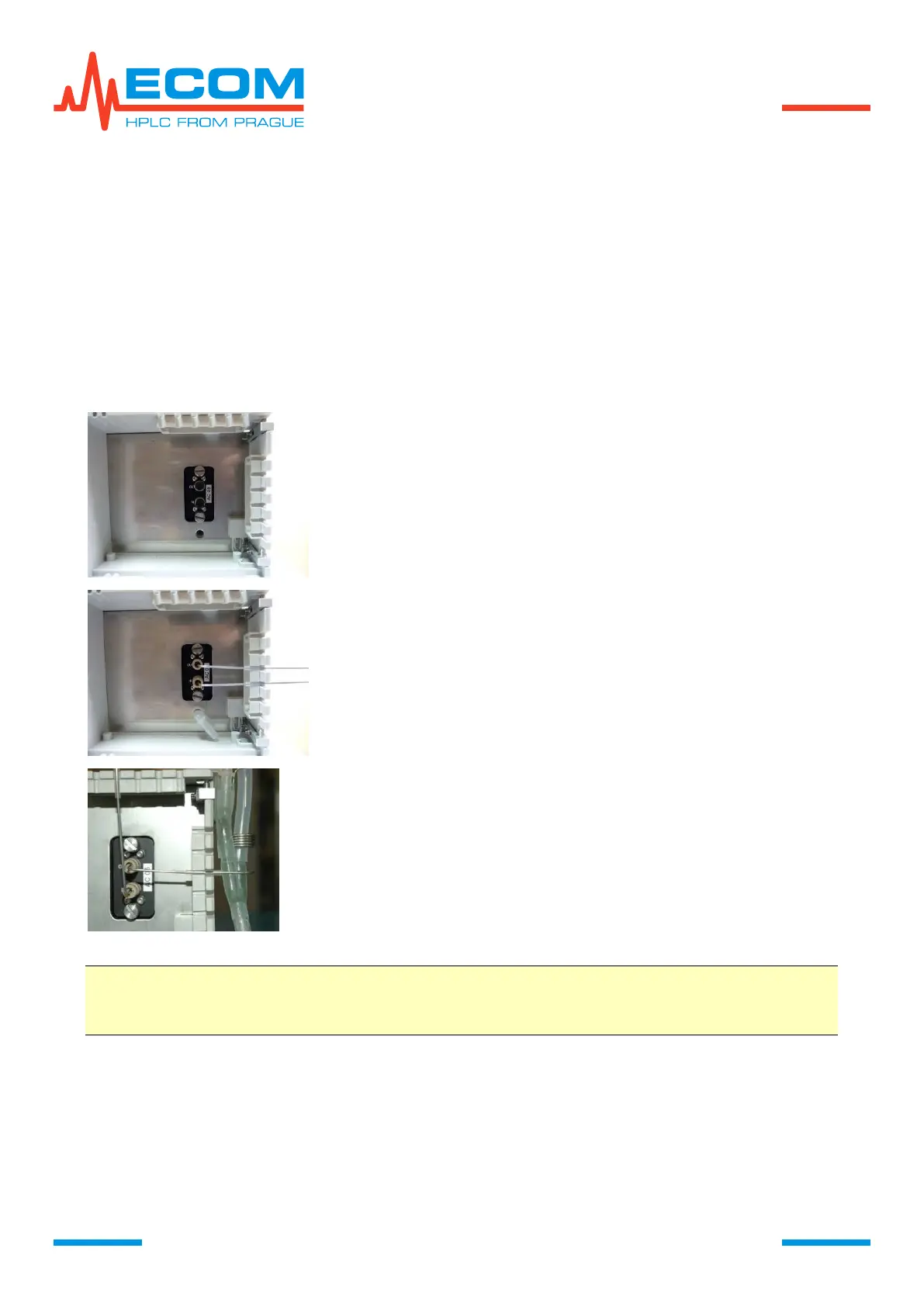
Unscrew black dummy screws.
Connect the inlet of the cell (below, marked as IN) to the
column, using capillary and PEEK screw.
Connect hydrodynamic resistor to the cell outlet (OUT, above)
to restrain bubbles forming in the cell.
Check the tightness of cell during mobile phase flow.
Caution: Never look inside opened cell compartment if the lamp is on. Never leave
the cell compartment opened and always place at least test cell in. Never
put inside the cell compartment anything else then the flow-cell.



 To Next Page