EcoNet
®
Smart Thermostat User Guide 16> Return to Table of Contents
36
UNITS
34
Group 1
Refrigeration
!
75
44%
80
65
Away
Resume Schedule
71
Home 44%
70
80
Cooling to
77
Vacation
36%Away
64
!
80
Settings (con’t)
Vacation Activated – A Vacation will be indicated by the word ‘Vacation’
above the current temperature on the home screen and an active Away button.
Tap Vacation on the home screen to cancel and resume schedule or return to
previous settings.
Your HVAC equipment will automatically follow a vacation event. If you have a
connected water heater, you have the option to have your water heater follow
the vacation event; simply toggle the button to Yes.
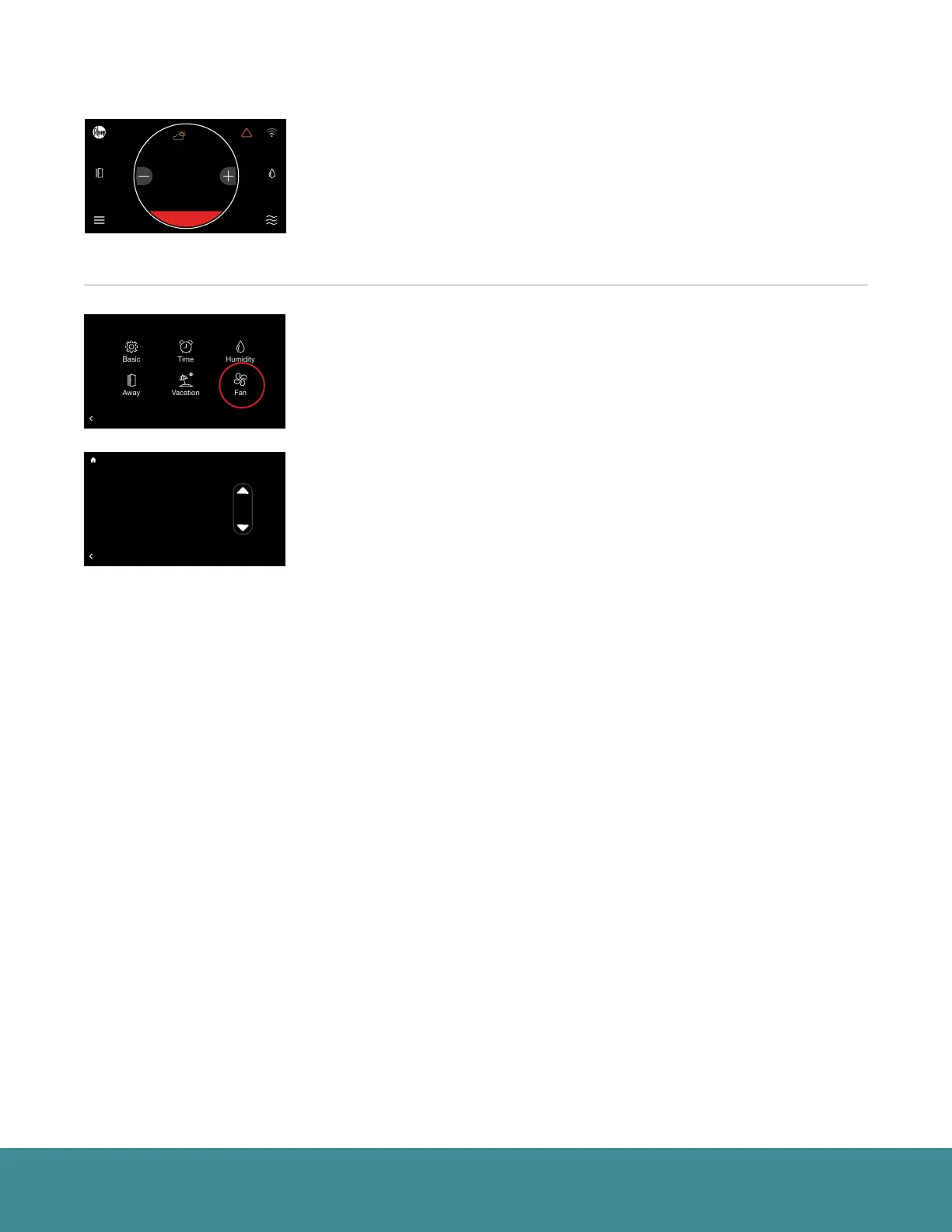
Fan (Menu > Settings > Fan)
Continuous Fan - Chose from one of 5 speeds to run continuous fan. This
setting allows the fan to continue circulating air in between calls for heating
or cooling. If the system is following a schedule the fan speed presented
will match the speed set in your schedule. You can temporarily override the
scheduled fan speed here. You will notice the copy on screen changes to ‘Fan
Speed Override’. The override will follow the ‘Schedule Override Time’ set in
Basic Settings.
36
UNITS
34
Group 1
Refrigeration
!
75
44%
80
65
Away
Resume Schedule
71
Home 44%
70
80
Cooling to
BACK
Fan Settings
Fan Speed Override: Med. Lo
36
UNITS
34
Group 1
Refrigeration
!
75
44%
80
65
Away
Resume Schedule
71
Home 44%
70
80
Cooling to
BACK
Settings
Installer



 To Next Page