EcoNet
®
Smart Thermostat User Guide 27> Return to Table of Contents
Wiring Remote Temperature Sensor
The EcoNet Smart Thermostat is optimized to work with the Aprilaire 8051 Temperature Sensor (10K thermistor).
Use the S1 and S2 terminals on the wall plate terminal block. Only one remote temperature sensor can
be supported.
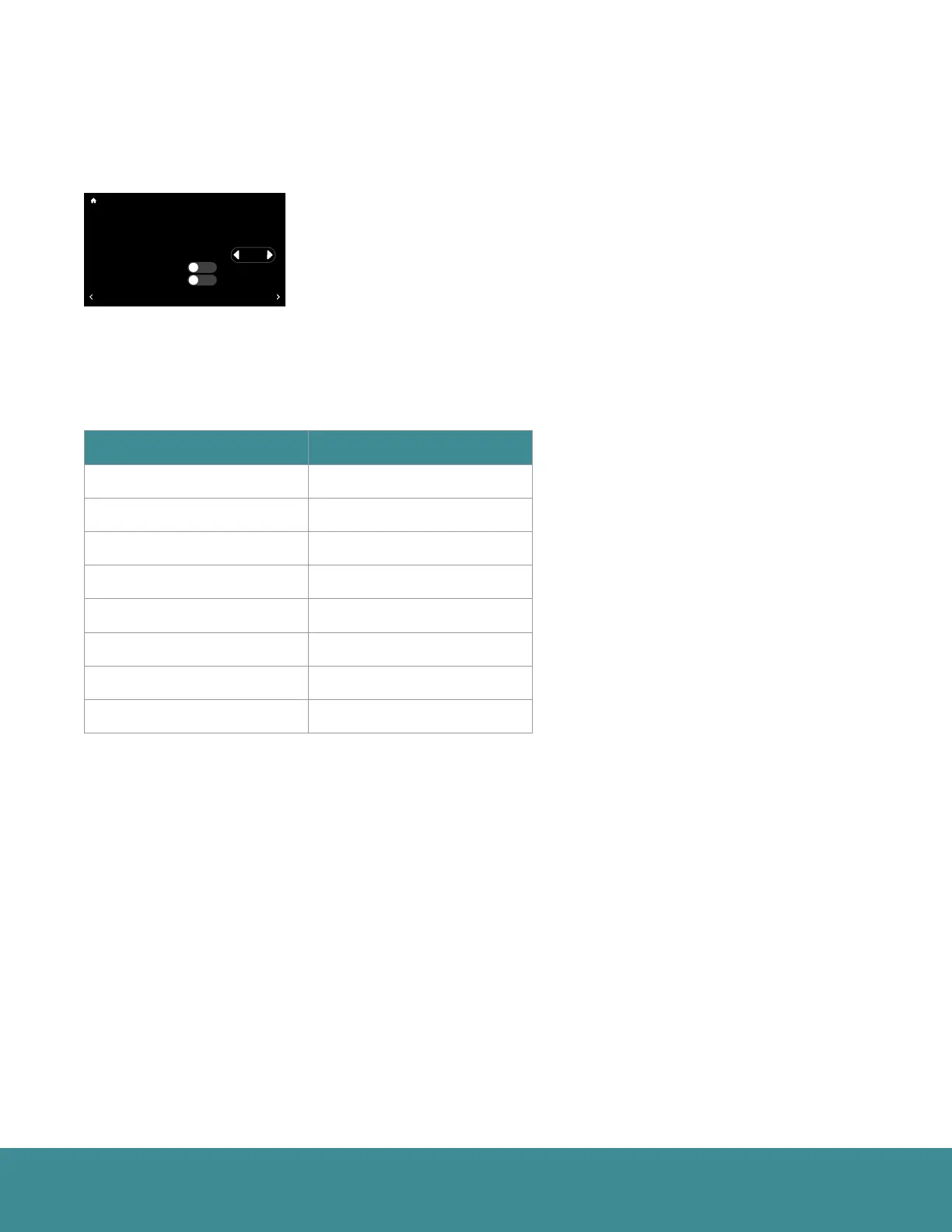
Go to Menu > Settings > Basic > Room Sensor Selection. You can choose
to have the system function based on the temperatures measured by the
internal sensor of the thermostat, the remote sensor or the average between
the two sensors.
The following table shows the correct resistance at various ambient temperatures without the sensor wires
attached to the thermostat.
Temperature (°F) Resistance (kΩ)
30 34.6
40 26.1
50 19.9
60 15.3
70 11.9
80 9.4
90 7.4
100 5.9
36
UNITS
34
Group 1
Refrigeration
!
75
44%
80
65
Away
Resume Schedule
71
Home 44%
70
80
Cooling to
Set Point Deadband
Temperature Offset
Relative Humidity Offset
Room Sensor Selection
Proximity Sensing?
Smooth Arrival Enabled?
BACK
Basic Settings
No
No
2º F
0.0º F
0.0 %
Internal
MORE



 To Next Page