13
Example
Let us suppose we want to turn the stove on at 06:00 and switch it off at 08:30 ( PROGRAM 1 ) and
that we want to switch it on again at 16:00 and switch it off at 22:00 (PROGRAM 2). Programming will
be as follows:
At this point you must decide on which days you want the programming carried out above to be active.
Let us pretend that PROGRAM 1 is active on Mondays and Wednesdays, while it is off on all the other
days. Programming will be as follows:
At this point we select the power of PROGRAM 1.
Carry out the same operations, changing the times and days the stove is on for PROGRAM 2 also.
Day 1
Monday
Day 2
Tuesday
Day 3
Wednesday
Day 4
Thursday
Day 5
Friday
Day 6
Saturday
Day 7
Sunday
PROGRAM 1
UT07 ON1 OFF2 ON3 OFF4 OFF5 OFF6 OFF7
UT05
06:00
PROGRAM 1
START
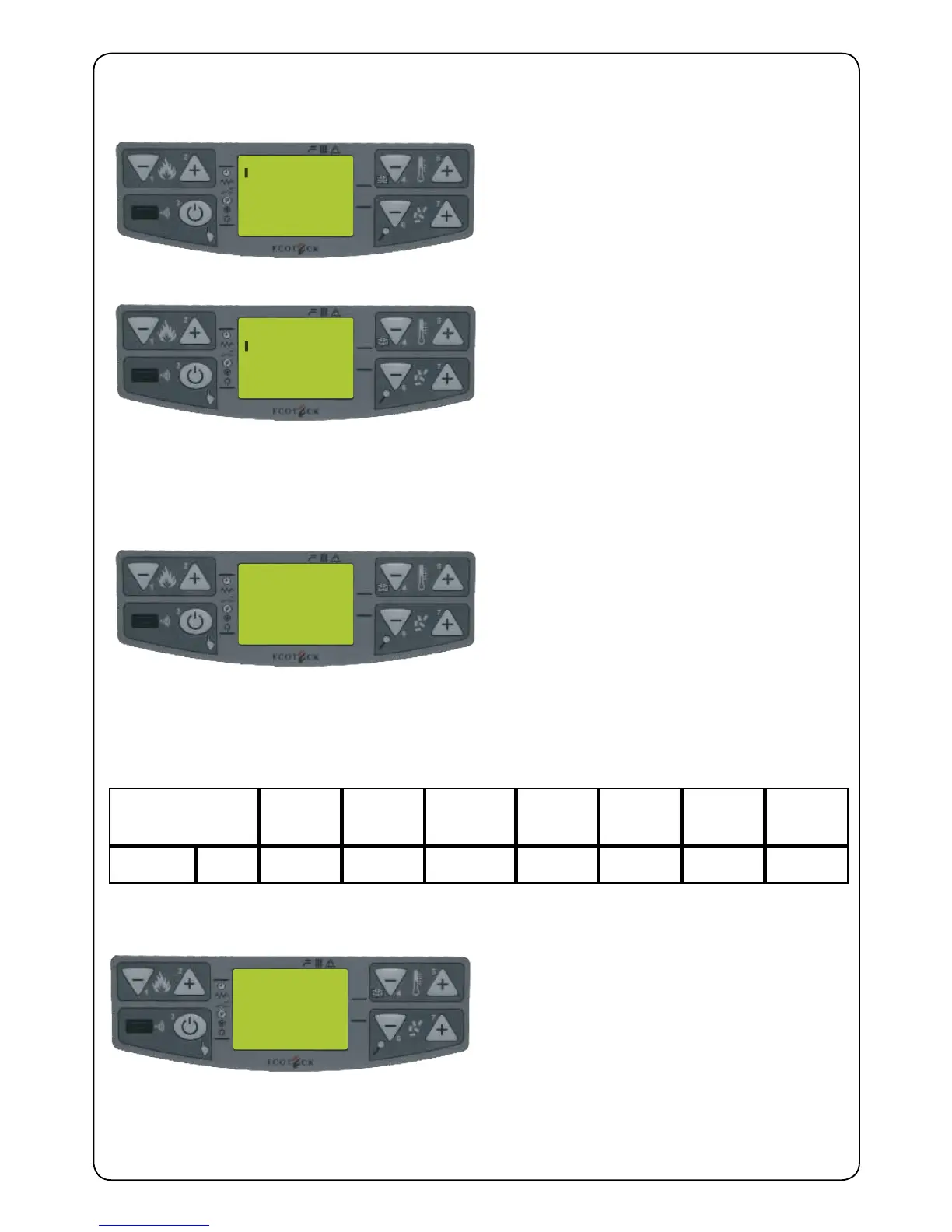
Display this screen as described in chapter 3.7.
Set the time you want PROGRAM 1 to come on
with keys P4 and P5. Press key P6 to conrm
and go on to string UT07. ( if you make a mistake,
press key P7 to go back one step)
Figure 7.
UT06
08:30
PROGRAM 1
STOP
Set the time you want the PROGRAM 1 to go off
with keys P4 and P5. Press key P6 to conrm
and go on to string UT07.
Figure 8.
UT07
ON - 1
IGNITED 1
GIORNI
Set the days you want PROGRAM 1 to be on or
off using key P5. At this point set the on/off value
that switches PROGRAM 1 on or off using key P4.
Repeat this operation for every day of the week.
Figure 9.
PR36
P - 3
PROGRAM 1
POWER
Set the required power for PROGRAM 1 using
keys P4 and P5.
Figure 10.


 To Next Page