FR-CA
13
EN
3. Operating and Programming
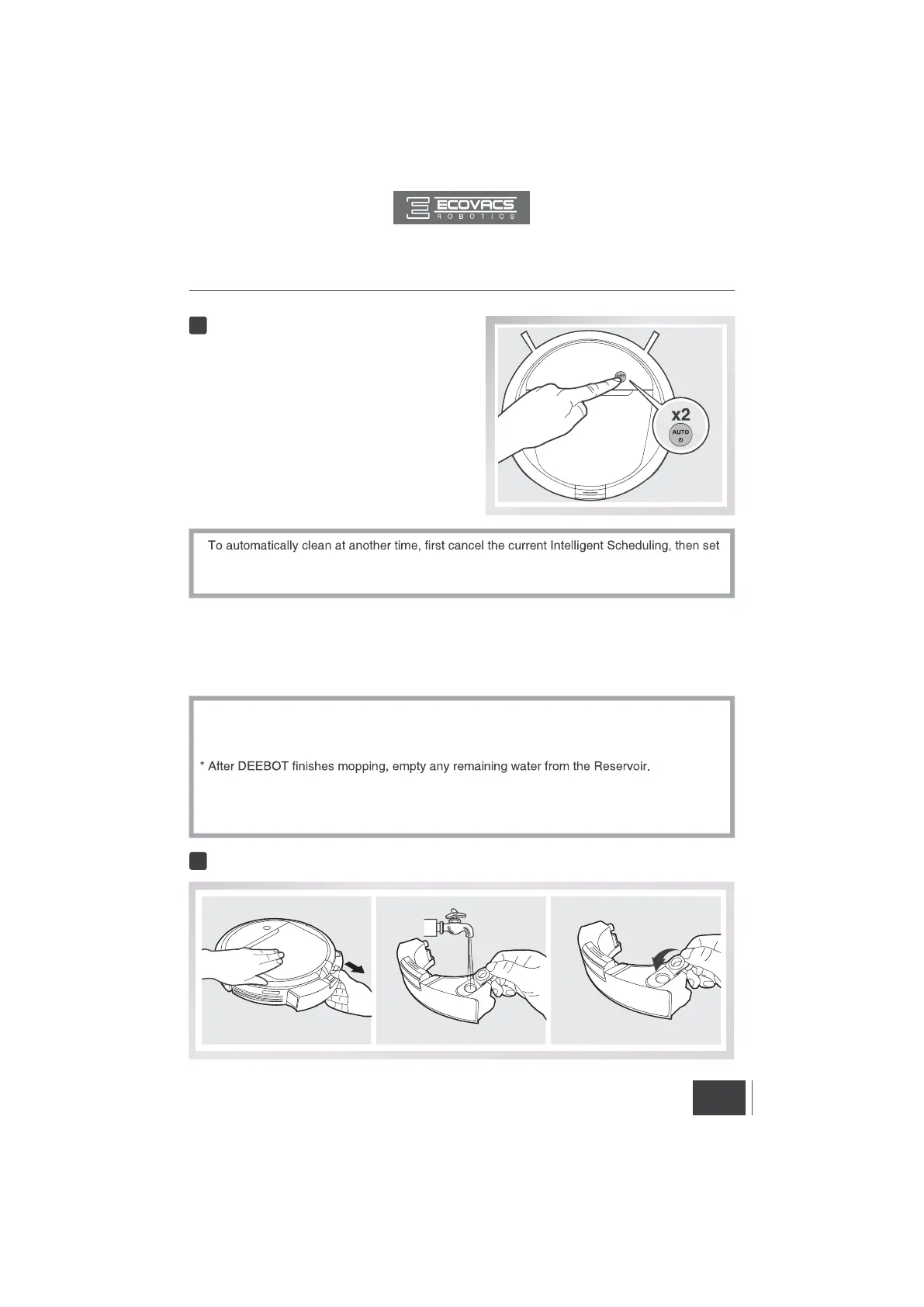
Cancel Intelligent Scheduling
Double-Click the AUTO Mode Button on DEEBOT
when DEEBOT is paused. Intelligent Scheduling is
cancelled when the robot beeps.
2
*
Intelligent Scheduling again at the desired time.
* If DEEBOT is turned OFF, Intelligent Scheduling is cancelled.
*
Empty the Reservoir and remove the Cleaning Cloth Plate before cleaning on carpet.
* When using the mopping system, fold area rug edges under themselves so DEEBOT will
avoid the rug.
* Empty any remaining water from the Reservoir and remove the Cleaning Cloth Plate before
charging DEEBOT.
* Always keep the Reservoir installed when the robot is cleaning or charging.
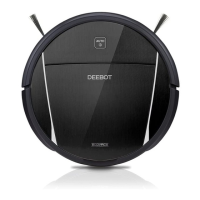
3.5 Optional Mopping System
DEEBOT has an optional Mopping System using a Washable/Reusable Microfiber Cleaning
Cloth and Cleaning Cloth Plate attached to a proprietary Reservoir. The washable/reusable
Cleaning Cloth automatically damp mops the floor to a spotless clean.
Add Water into the Reservoir.
1


 To Next Page