10
6
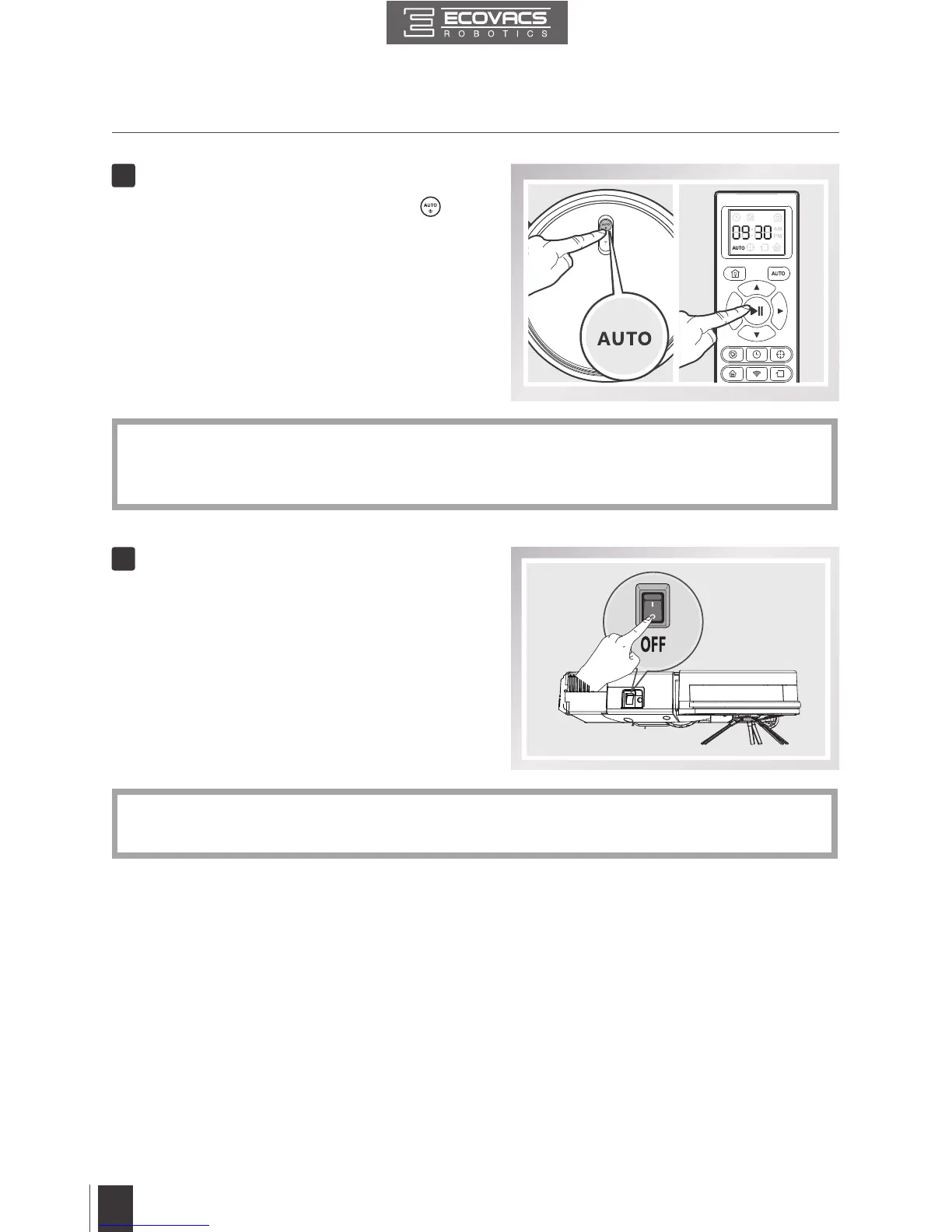
Pause
3. Operating and Programming
7
Power OFF
■
Pause DEEBOT by pressing the
button on DEEBOT or the START/
PAUSE Button on the Remote Control�
■
Turn the robot’s Side Power Switch to
the ON position� “l” indicates ON and “O”
indicates OFF�
* The AUTO Mode Button on the robot's Control Panel stops glowing when the robot is paused
for more than 10 minutes� Press AUTO Mode Button on the robot or press any button on the
Remote Control to start the DEEBOT immediately�
* When DEEBOT is not cleaning, it is suggested to keep it powered ON and charging instead
of powered OFF�







 To Next Page