11
EN
*
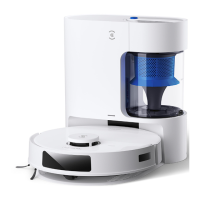
When Auto-Empty Station is connected
to power, DEEBOT automatically
returns to the station to charge and
empty the Dust Bin as it needs.
1
3
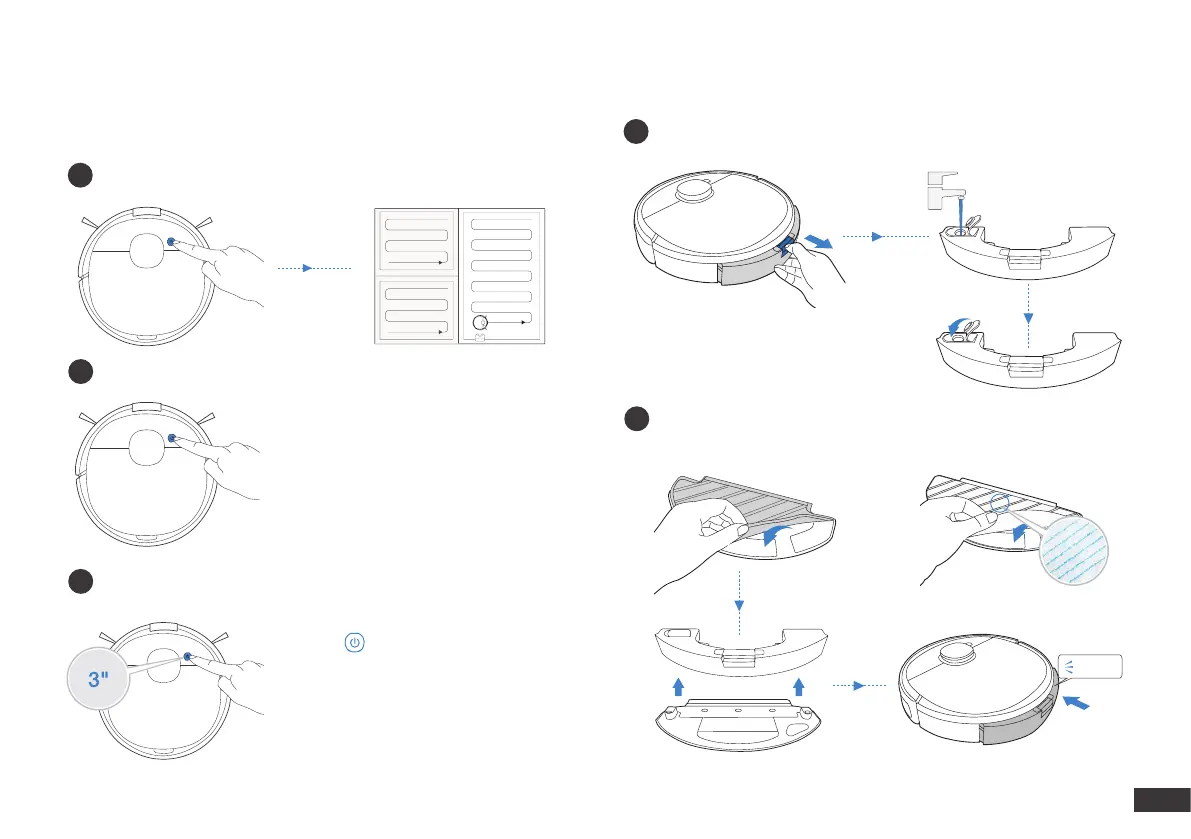
Operating DEEBOT
During the rst cleaning, please supervise DEEBOT and assist it should
there be a problem.
Pressing for 3 seconds to send
DEEBOT back to the Auto-Empty Station.
Start
2
Pause
Return to Charge
Note: The robot’s Control Panel stops
glowing after the robot is paused for
a few minutes. Press the AUTO Mode
Button on DEEBOT to wake up the robot.
1
2
OZMO Mopping System
Note: To prolong the service life of the reservoir, it is recommended
to use puried water or softened water for OZMO mopping system.
OR
Note: When DEEBOT is mopping, DEEBOT automatically detects
the carpet and keeps away from it. If you need to clean the carpet,
please uninstall the mopping pad plate rst.
Click







 To Next Page