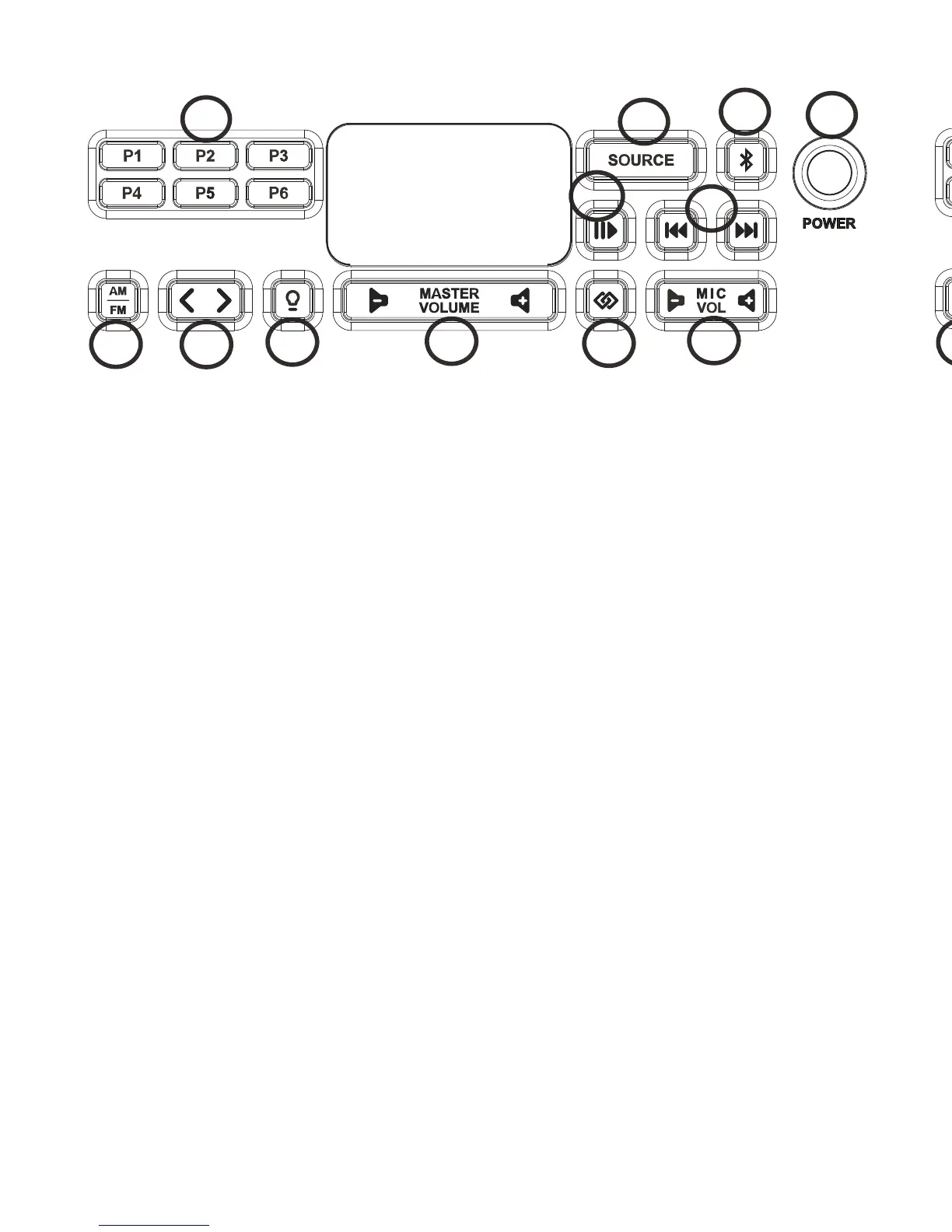
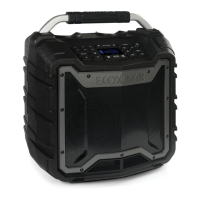
Key Functions
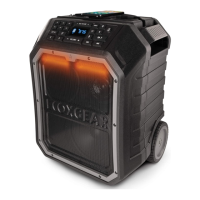
1.Power Button: Turns EcoBoulder on or off.
2.Bluetooth Button: Press this button to enter pairing mode.
Press and hold this button for 5 seconds to delete the paired
device.
3.Source Button: Press this button to switch the next mode
between Bluetooth, FM, AM, AUX 1 or AUX 2 cyclically.
4. Play/Pause: Press to play or pause a track from a
connected Buletooth device. During playing, press and hold
this button for 2 seconds to switch EQ(Default, Bass Boost,
Treble Boost, Rock, Jazz).
5.Track Buttons: Press this buttons to go to the previous/next
track on a Bluetooth connected device.
6.Microphone Volume Control: Press to adjust the
microphone volume. Press and hold to adjust the volume
continually(30 levels are adjustable).
7.Link Button: Press this button on both speakers to link two
EcoBoulders together.
8.Master Volume Control: Press to adjust the speaker’s main
m i x v o l u m e . P r e s s a n d h o l d t o a d j u s t t h e v o l u m e
continually(30 levels are adjustable).
9.Backlight Button: Turns the back light of buttons on or off.
10.Tune Buttons: Press this buttons to tune in a radio station.
To “seek”(jump to the next available station), press and hold
either button down for a few seconds until it starts to seek a
station.
11.Radio Selector: This button sets the tuner to AM or FM.
12.AM/FM Presets: Store a favorite radio station and quickly
tune to a preset radio station. There are 6 positions for AM
station and 6 positions for FM stations. Press and hold a
preset button(P1~P6) to assign the current station to that
preset number. The LCD will flash 2 times to indicate it has
been set. To use an added preset, press a preset
button(P1~P6) to go to the stored radio station.
1
12
9
10
11
8
7
6
4
5
2
3
RADIO
1
12
9
10
11
8
7
6
4
5
2
3
RADIO
12
13




 To Next Page