Need help?
Do you have a question about the ECS A31G Series and is the answer not in the manual?
Details on processor support, chipset, graphics accelerator, memory, and expansion slots.
Describes motherboard ports, LAN, USB functionality, and BIOS firmware.
Lists items included in the motherboard package and optional accessories.
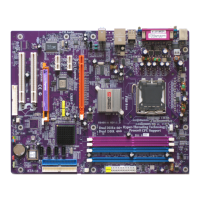
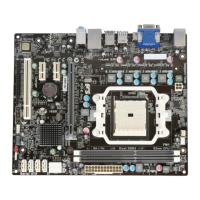
Identifies and lists various components and connectors on the motherboard.
Illustrates and explains the function of each I/O port on the motherboard.
Step-by-step guide for installing the CPU into the socket.
Instructions for installing DDR SDRAM modules into the DIMM sockets.
Explains the purpose and configuration of jumpers, specifically Clear CMOS.
Guides on connecting power supply, CPU fan, and front panel connectors.
Instructions for installing floppy drives, IDE devices, SATA, and analog audio.
Describes expansion slots and provides steps for installing expansion cards.
Instructions on how to access and navigate the BIOS setup utility.
Setting system time, date, boot devices, and configuring IDE/SATA devices.
Covers advanced system settings like memory sharing and boot order.
Configuring onboard peripherals like floppy, serial, audio, and network devices.
Settings for power management, ACPI features, and BIOS security passwords.
Manual CPU configuration and monitoring of system hardware status.
Options for loading defaults, saving changes, or discarding changes and exiting.
Guides on installing drivers and utilities from the support CD-ROM.
Steps for installing bundled software applications from the CD-ROM.
 General
| Brand | ECS |
|---|---|
| Model | A31G Series |
| Category | Motherboard |
| Language | English |


 To Next Page