Chapter 2
8
H110I-C4P USER MANUAL
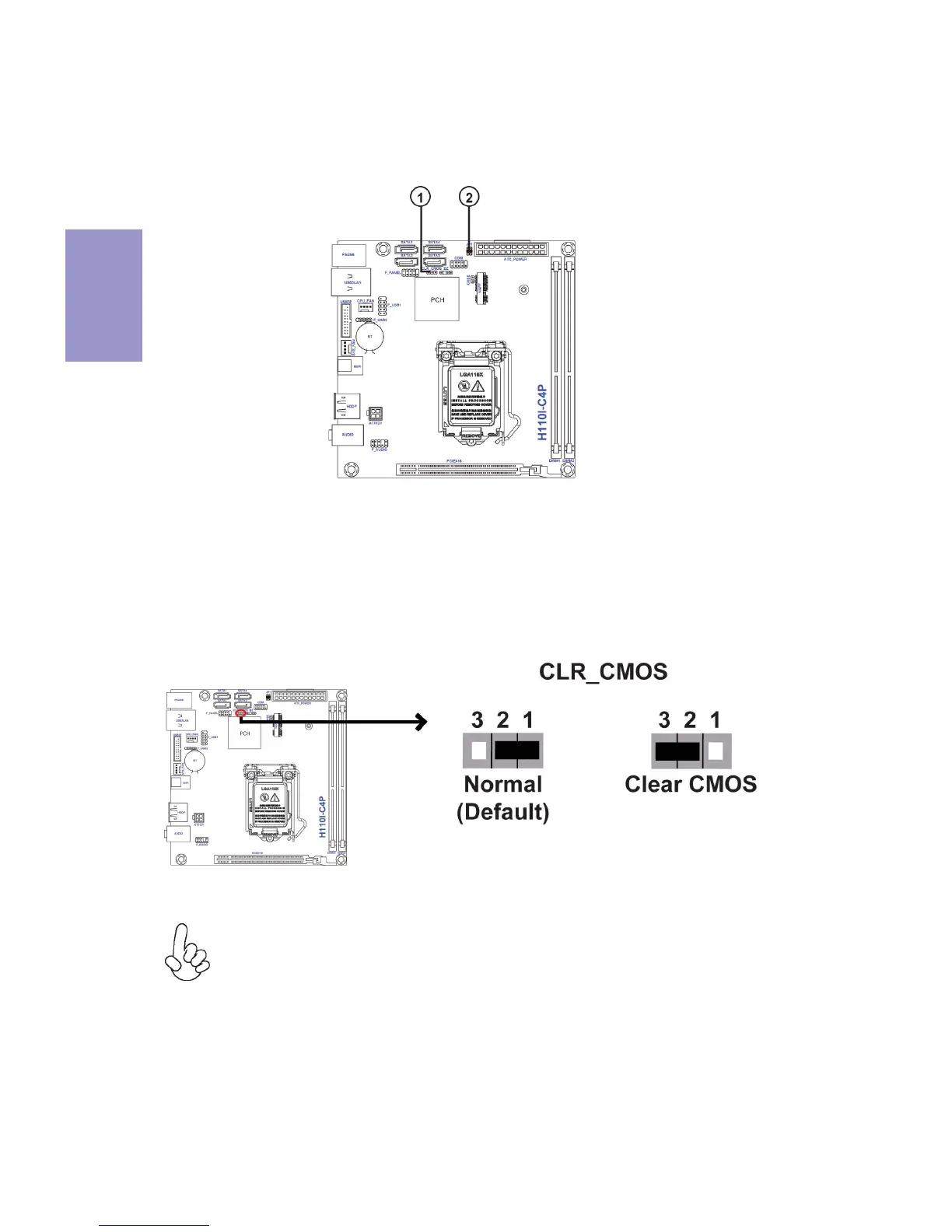
The following illustration shows the location of the motherboard jumpers. Pin 1 is
labeled.
To avoid the system instability after clearing CMOS, we recommend users to
enter the main BIOS setting page to “Load Default Settings” and then “Save
and Exit Setup”.
2-3. Checking Jumper Settings
1. CLR_CMOS: Clear CMOS Jumper
Connect a serial port extension bracket to this header to add a serial port to your
system.


 To Next Page