To Next PageTo Next Page
 Need help?
Do you have a question about the ECS H61H2-M16 and is the answer not in the manual?
 General
| Brand | ECS |
|---|---|
| Model | H61H2-M16 |
| Category | Motherboard |
| Language | English |
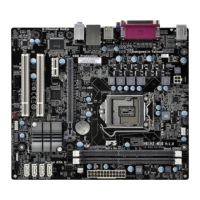
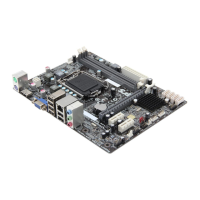
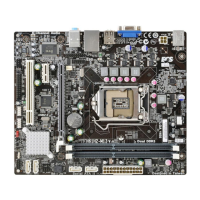
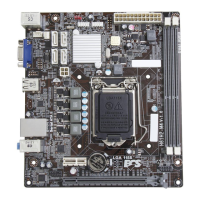
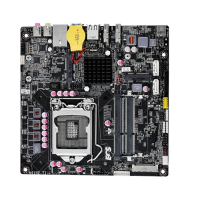
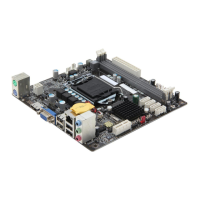
Overview of the H61H2-M16 motherboard and its features, supporting LGA1155 socket CPUs.
Lists the items included in the motherboard package for user reference.
Details the technical specifications of the motherboard, including CPU, chipset, memory, and I/O.
Identifies and labels various physical components and connectors on the motherboard.
Describes the function and connection for each external input/output port on the motherboard.
Essential safety guidelines to follow before and during motherboard installation to prevent damage.
Step-by-step guide on how to physically mount the motherboard inside a computer case.
Explains how to locate and configure motherboard jumpers, specifically the CLR_CMOS jumper.
Detailed instructions on installing the CPU, CPU cooler, and memory modules into their respective slots.
Guides on installing add-on cards, connecting optional devices, SATA drives, and case components.
Explains the front panel header and other internal connectors for system functionality.
Covers utility introduction, entering setup, resetting defaults, and navigation keys.
Explores main system info, CPU, LAN, power management, SATA, USB, and Super IO configurations.
Details chipset settings, M.I.B III for clock/memory tuning, and CPU overclocking.
Manages boot order, security settings, and exiting BIOS setup.
Guide to installing drivers and utilities via auto-install or manual methods from the support DVD.
Overview of utilities like eSF (Smart Fan), eDLU (Driver Update), and eBLU (BIOS Update).
Addresses common issues during first-time PC assembly, including power, display, and shutdown problems.
Solutions for startup problems that may arise after extended periods of PC usage.
Provides care tips and a flowchart for diagnosing and resolving common PC operational issues.