49
Using the Motherboard Software
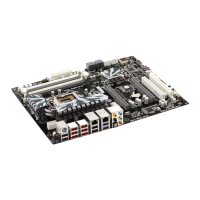
The motherboard identification is located in the upper left-hand corner.
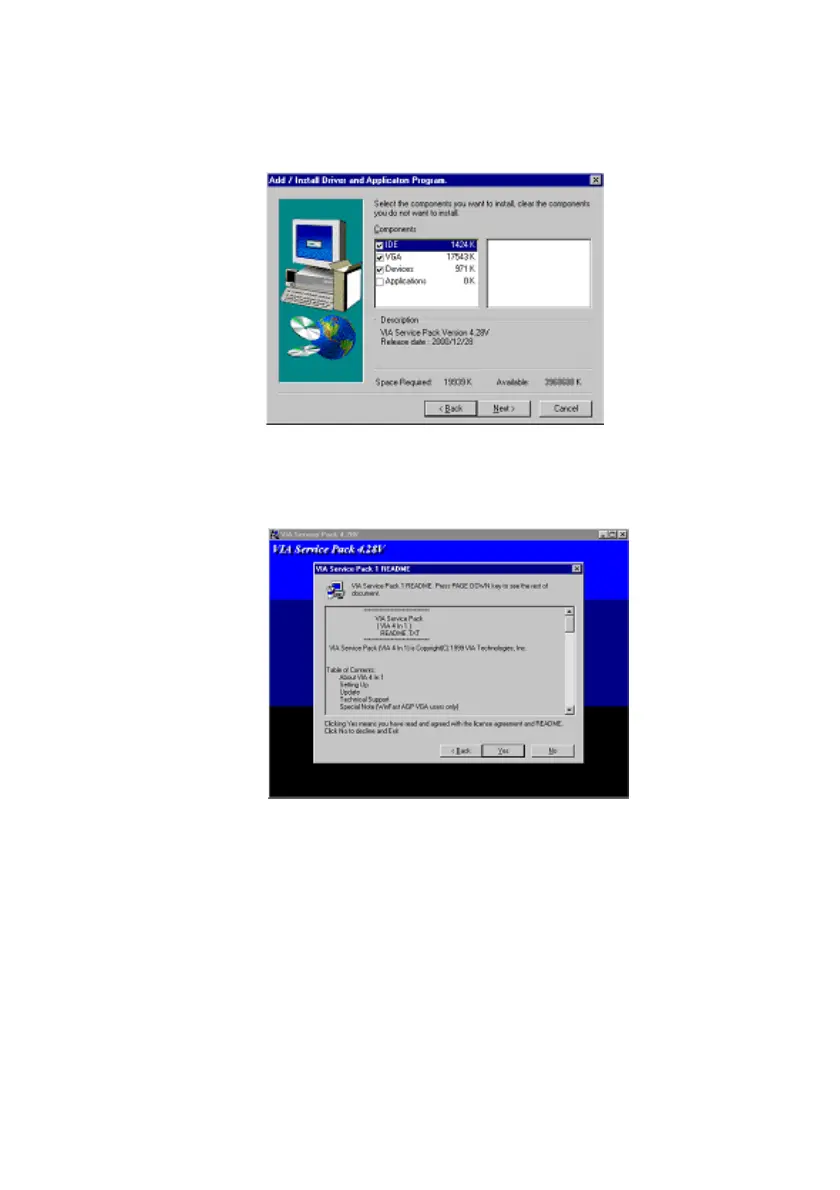
2. Click Next. The following screen appears:
3. Check the box next to the items you want to install. The default optionsare recommended.
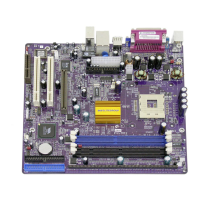
4. Click Next run the Installation Wizard. An item installation screen appears:
5. Follow the instructions on the screen to install the items.
Drivers and software are automatically installed in sequence. Follow the onscreen instruc-
tions, confirm commands and allow the computer to restart a few times to complete the
installation.


 To Next Page