Chapter 3
Z77H2-AX USER MANUAL
41
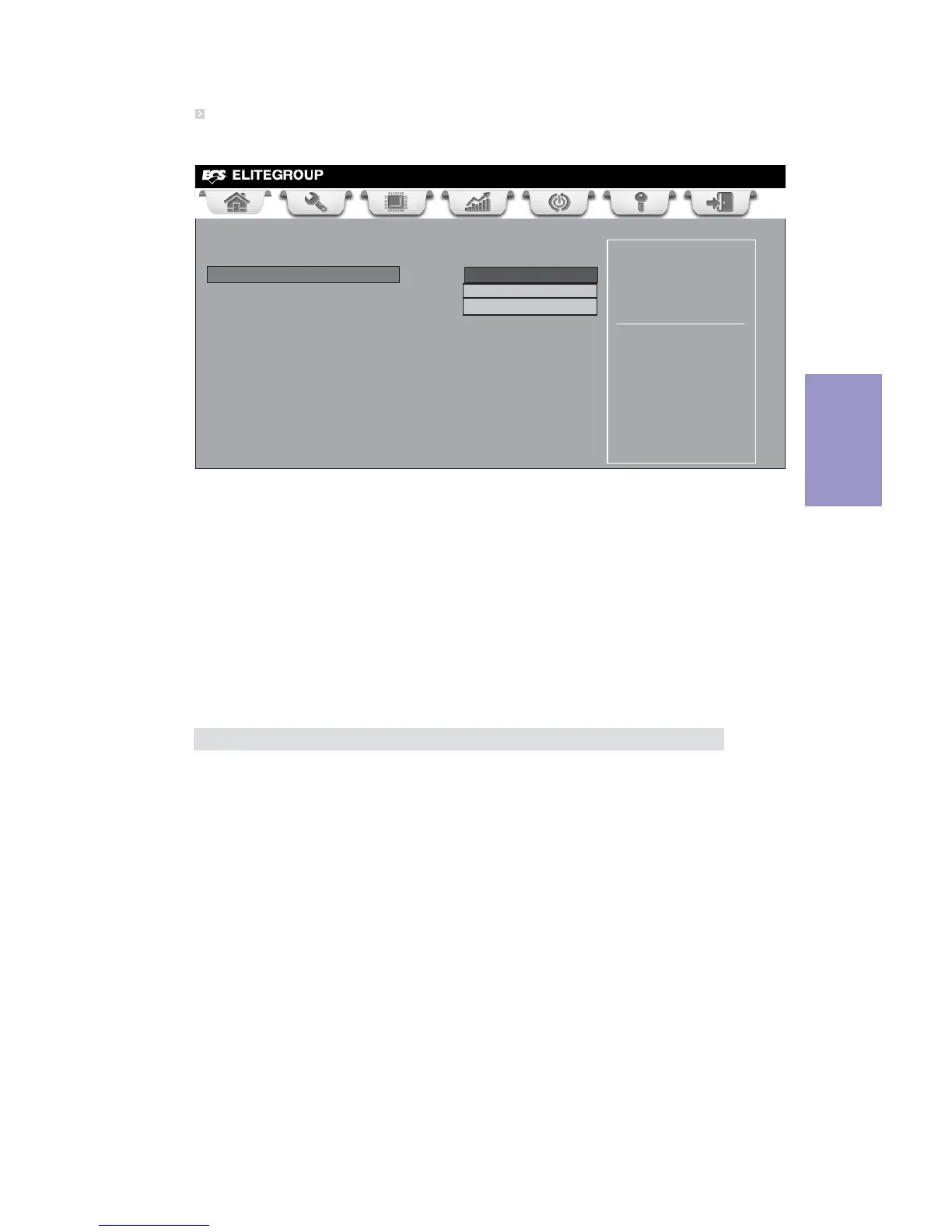
SATA Configuration
Use this item to show the mode of serial SATA configuration options.
SATA Mode (IDE Mode)
Use this item to select SATA mode.
SATA Port1~6/mSATA (Not Present)
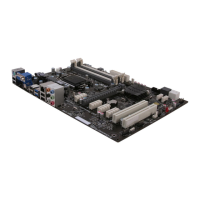
This motherboard supports six SATA channels and one mSATA, each channel allows
one SATA device to be installed. Use these items to configure each device on the
SATA/mSATA channel.
Determines how SATA
controller(s) operate.
Main Advanced Chipset M.I.B X Boot Security Exit
+/- : Change Opt.
Enter/Dbl Click : Select
lk
mn
: Select Screen
/Click: Select Item
F1: General Help
F2: Previous Values
F3: Optimized Defaults
F4: Save & Exit
ESC/Right Click: Exit
SATA Configuration
SATA Mode IDE Mode
ON Chip eSATA 6Gb/s Controller Mode
AHCI Mode
ON Chip SATA 6Gb/s Controller Mode AHCI Mode
SATA Port1 Not Present
SATA Port2 Not Present
SATA Port3 Not Present
SATA Port4 Not Present
mSATA Not Present
ON Chip eSATA/SATA 6Gb/s Controller Mode (AHCI Mode)
Use these items to select eSATA/SATA 6Gb/s Controller Mode.
Press <Esc> to return to the Advanced Menu page.



 To Next Page