Chapter 3
Z77H2-AX USER MANUAL
59
Main Advanced Chipset M.I.B X Boot Security Exit
+/- : Change Opt.
Enter/Dbl Click : Select
lk
: Select Screen
/Click: Select Item
F1: General Help
F2: Previous Values
F3: Optimized Defaults
ESC/Right Click: Exit
mn
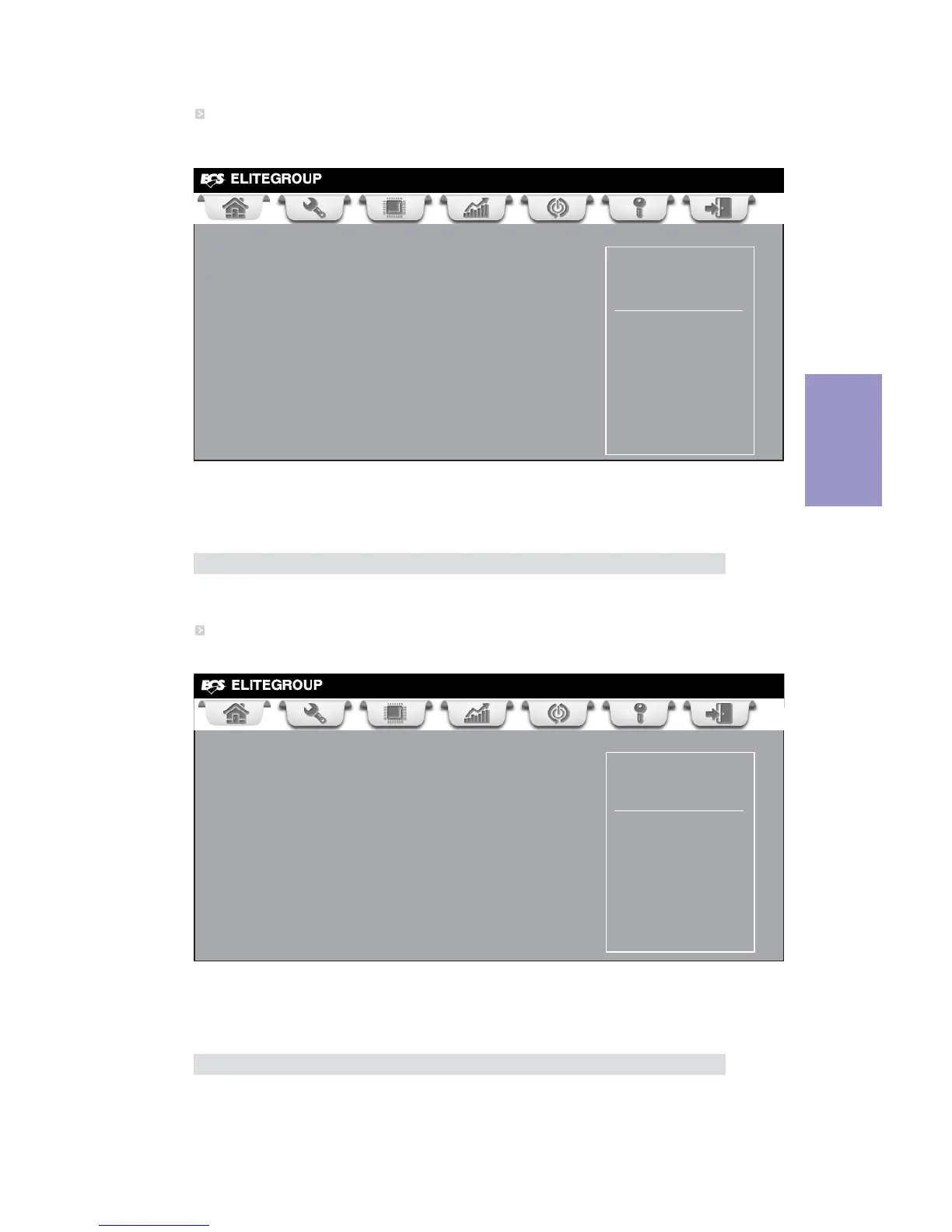
USB CD/DVD ROM Drive Priorities
F4: Save & Exit
USB CD/DVD ROM Drive Priorities
Scroll to this item to view the following screen:
Main Advanced Chipset M.I.B X Boot Security Exit
+/- : Change Opt.
Enter/Dbl Click : Select
lk
: Select Screen
/Click: Select Item
F1: General Help
F2: Previous Values
F3: Optimized Defaults
ESC/Right Click: Exit
mn
F4: Save & Exit
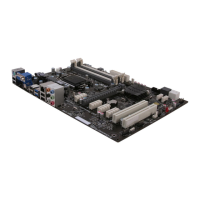
USB HardDisk Drive Priorities
USB HardDisk Drive Priorities
Scroll to this item to view the following screen:
USB CD/DVD ROM Drive Priorities
This item enables you to specify the sequence of loading the operating system from
the installing USB CD/DVD ROM drive.
Press <Esc> to return to the Boot Menu page.
USB HardDisk Drive Priorities
This item enables you to specify the sequence of loading the operating system from
the installing USB HardDisk drive.
Press <Esc> to return to the Boot Menu page.



 To Next Page