STEP 2 –
Ensure the device you are using to set up
your product is connected to the WiFi
network that you wish to connect the Chiller
to, and open the Tuya Smart application. You
will be prompted to register and set up a
home location name.
STEP 1 –
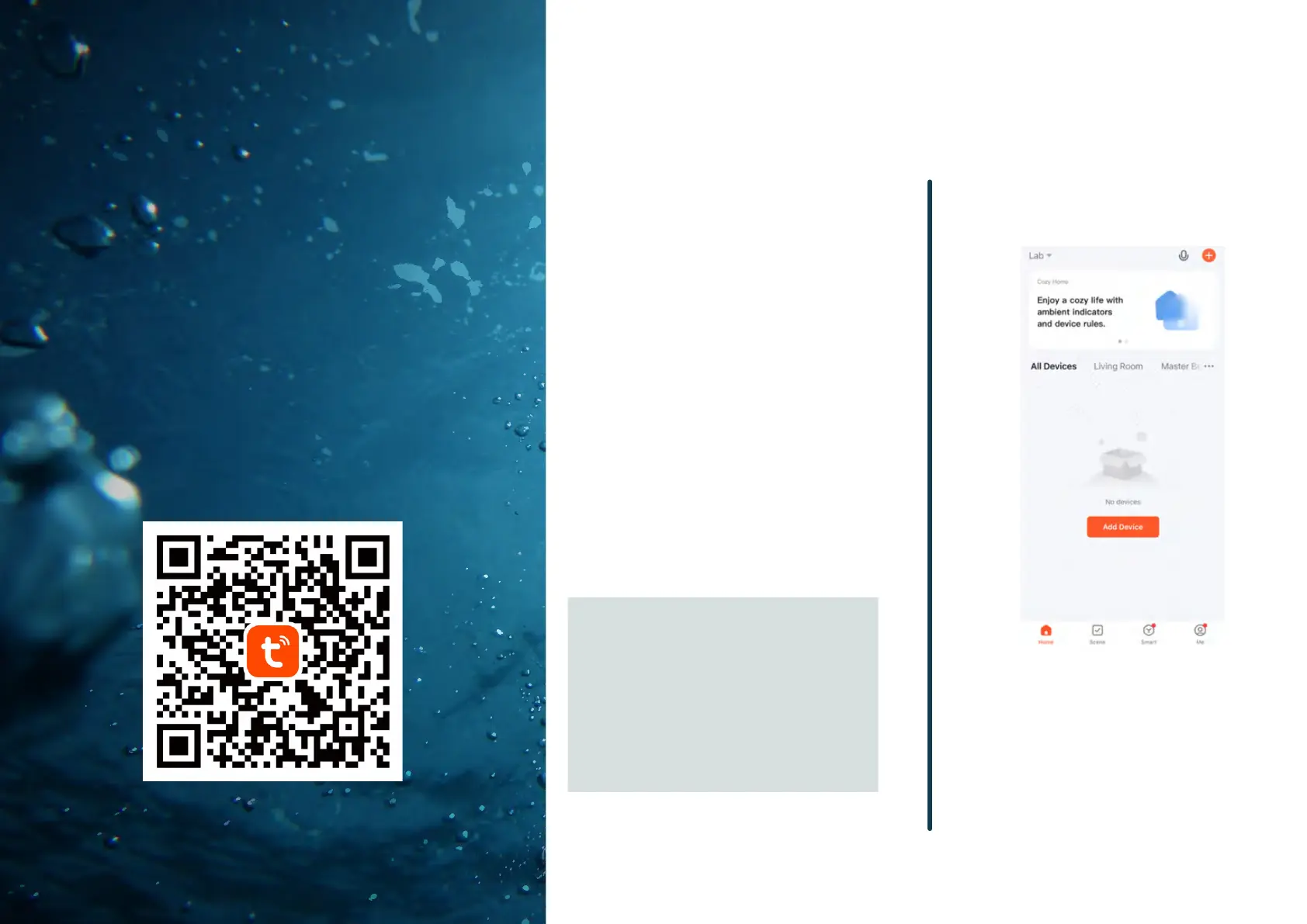
Download and install the Tuya Smart
application from your mobile operating
system’s app store by scanning the QR Code
(left) or visiting appropriate website below:
05
WiFi / App
Setup
Instructions
Apple: https://apps.apple.com/us/app/tuya-
smart/id1034649547
Android: https://play.google.com/store/apps/details?
id=com.tuya.smart&hl=en_US&gl=US
Important Note: The Tuya Smart system only
works with 2.4 GHz wireless networks.
Many modern wireless networks utilize 5
GHz dual band frequencies and may need
to be configured to 2.4 GHz to allow the
Chiller to connect. Please contact the
manufacturer of your Wi-Fi router for
support on this matter if you experience
trouble during Step 8.
STEP 3 –
Once the Tuya Smart app is open, you may
add the Chiller by selecting “Add Device” on
the home screen.
16


 To Next Page