3-2 SECTION 3: VERIFYING & TROUBLESHOOTING
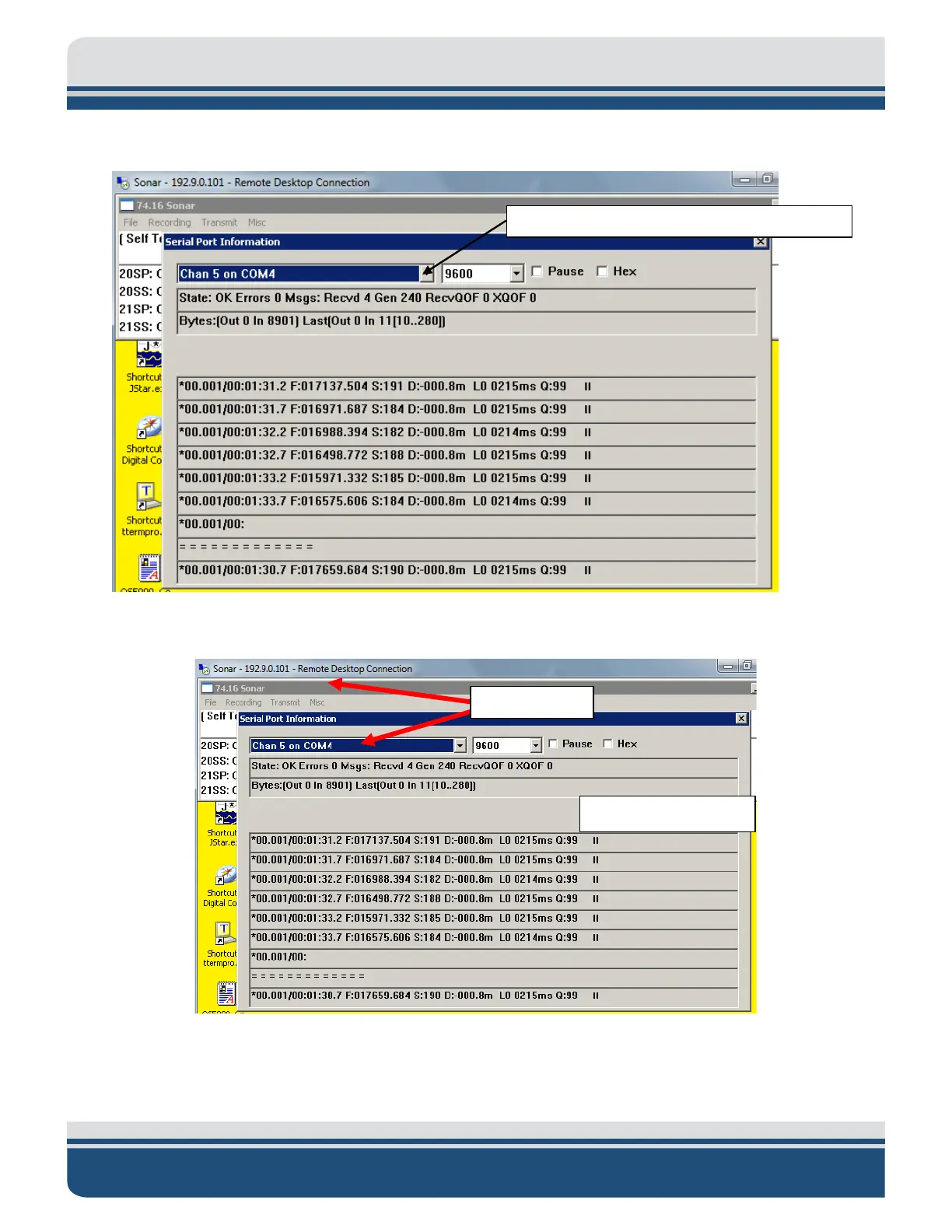
3. Change drop down menu to Chan #5 (in the example).
4. There should be no errors present in Sonar Toolbar and in the Serial Port Information window:
Figure 3-1: No Errors with Mag Data Scrolling
Serial Port Information Drop Down Menu
4125 MAGNETOMETER INTERFACE 0016510_REV_A



 To Next Page