distilled water, and wipe the mirror and surrounding areas again.
4. Dry these areas thoroughly with a clean, dry cotton swab.
5. Replace the sensor cover and the sample chamber cover.
6. Press the “HEAT” key to return to normal operation.
7. Press the “MABC” key to balance the optics and return to normal operation.
A CHECK SENSOR error flag on the Display shows that the dew point sensor
control loop is not able to develop a dew layer on the mirror. The only service that
can be performed in the field is to lift the Panel and check for a loose connector in
the mirror control system, or call the Factory.
14.1.3 DRYER TUBE MAINTENANCE
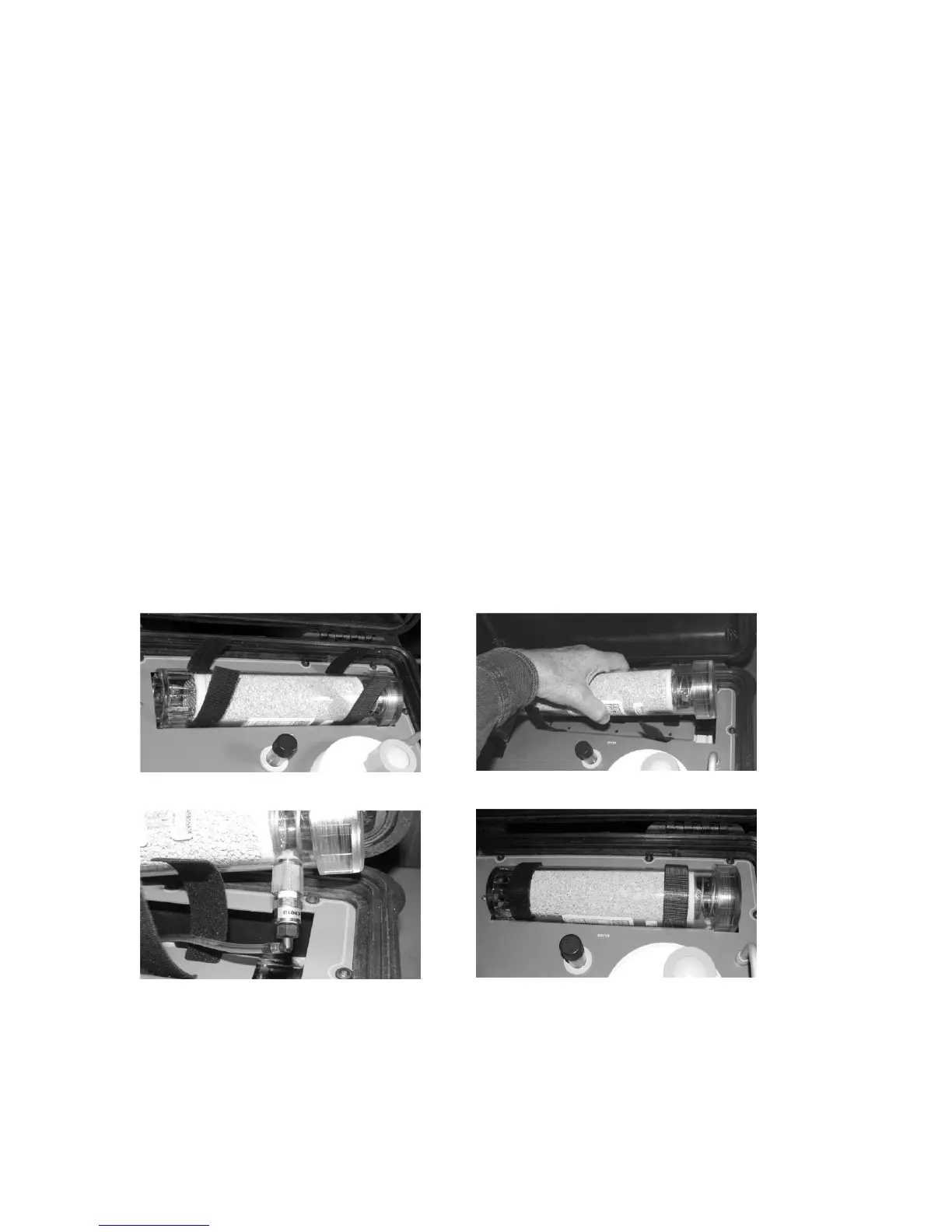
When the Drier-ite™ pellets in the Dryer Tube have changed color from blue to pink,
the drying capability has been exhausted. The dryer cylinder can then be removed
by loosening the two Velcro™ straps. Lift the tube out and carefully disconnect the
two clear plastic tubes from the fittings at the bottom of the dryer tube.
Figure 14-2a. Open the straps Figure 14-2b. Lift out the Dryer
Figure 14-2c. Disconnect clear tubing Figure 14-2d. Replace the Dryer



 To Next Page