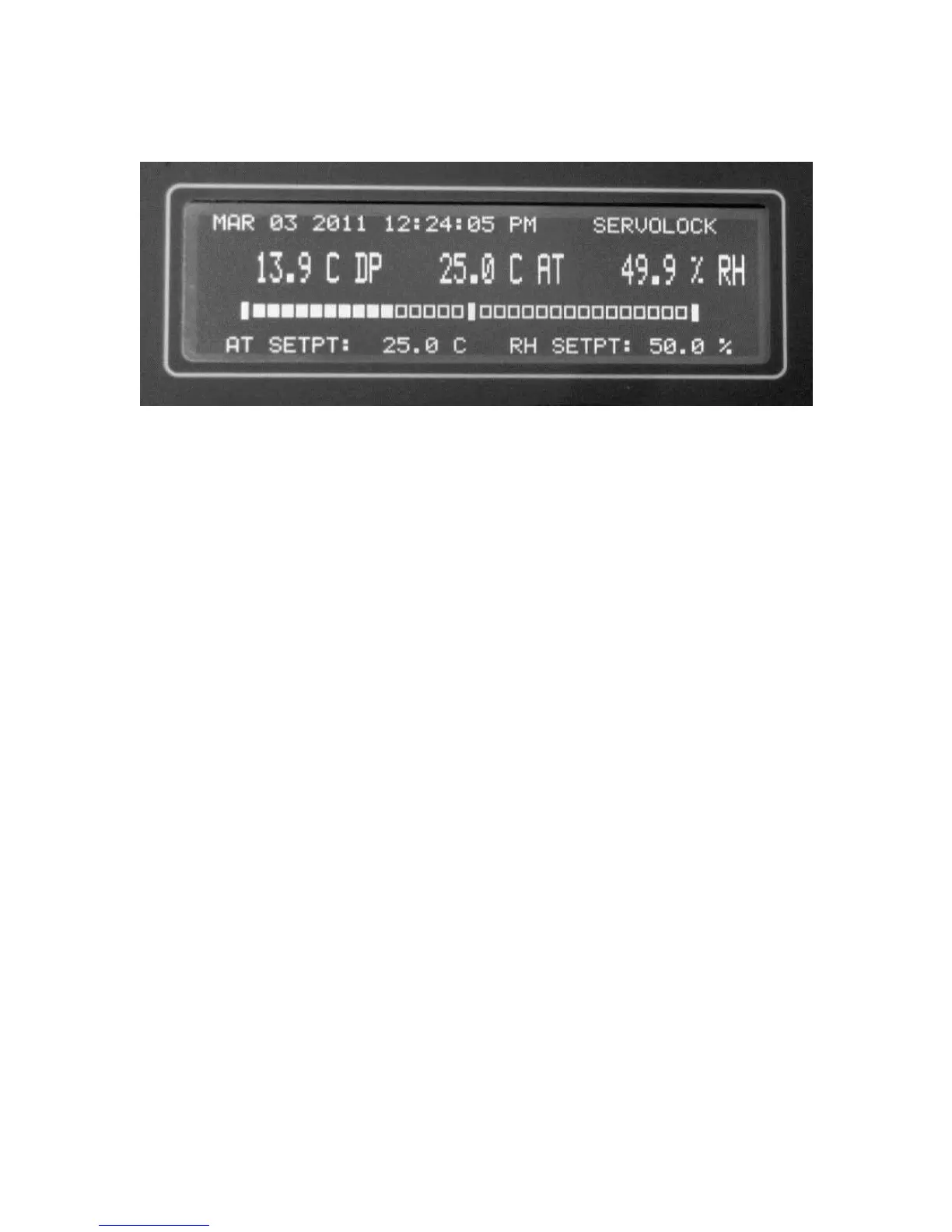
11.0 INFORMATION DISPLAY FUNCTIONS
Figure 11-1. The Information Display
11.1 INFORMATION DISPLAYED
The large LCD Display mounted on the Panel provides the user with all the information
necessary to properly operate the RH-CAL. It can be used as the primary interface with
the instrument, showing status of all parameters, and allowing calibration points to be
easily programmed.
NOTES:
1. The RS-232 Serial Port, along with a computer or terminal, may also
be remotely used for the same purpose.
2. All programming is in non-volatile memory, so that it is retained
when Power is off.
TOP ROW:
DATE The Current Date
TIME The Current Time
CONTROL LOOP STATUS Shows Chilled Mirror Control Loop
condition
CENTER ROW (MAIN DISPLAY):
DEW POINT The actual Chamber Dew Point
AIR TEMPERATURE The actual Chamber Temp.
RELATIVE HUMIDITY The actual %RH in the Chamber



 To Next Page