16
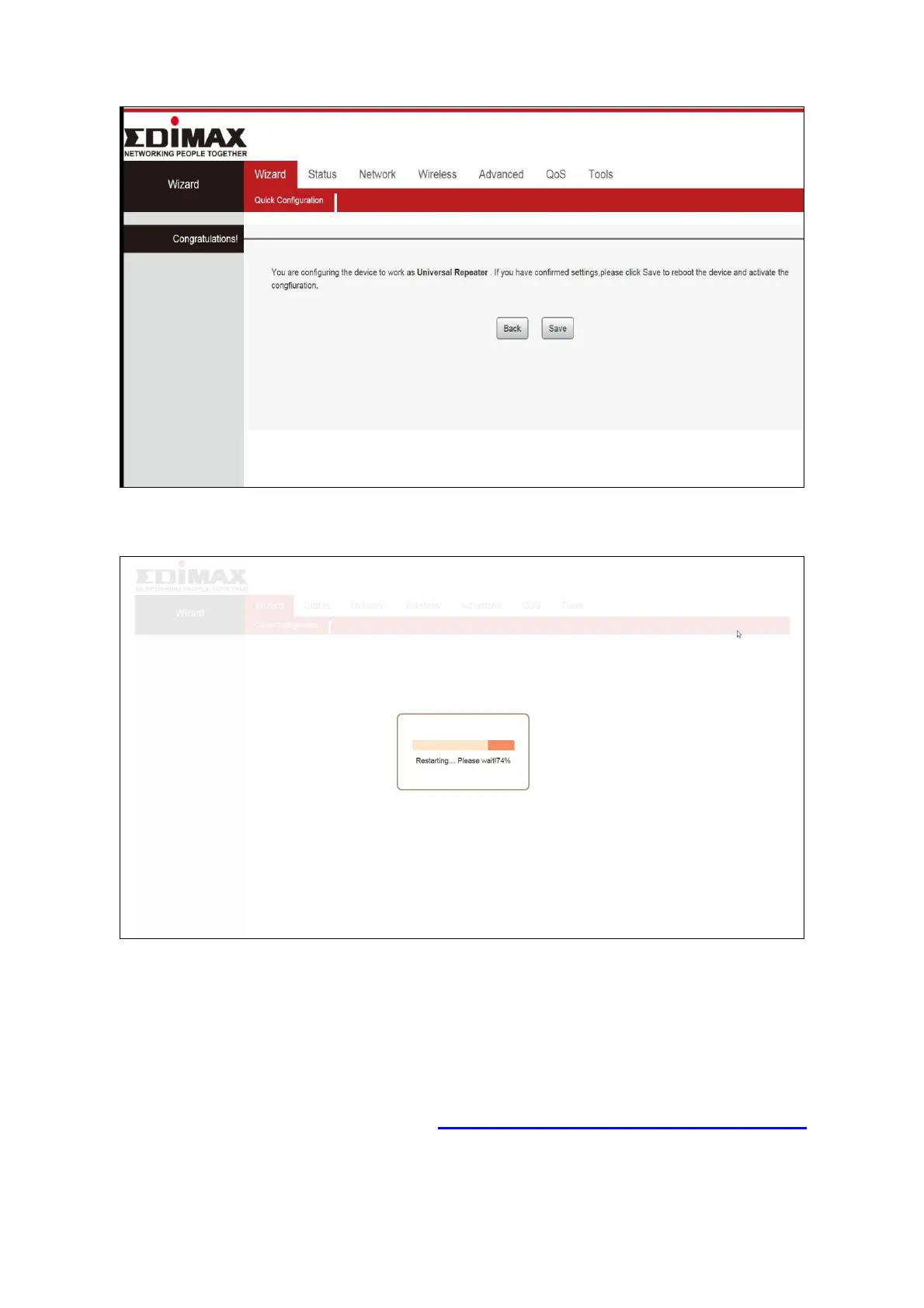
5. Please click “Save” to reboot the device and activate the configuration.
6. Please wait a moment until the BR-6476AC is ready.
7. When the setup is complete. Please close the browser window.
8. The BR-6476AC is working and ready for use. You can now connect to the
device’s new SSID. Please refer to IV-2. Connecting to a Wi-Fi network if
you require more guidance.






 To Next Page