60
III-7-4. Firmware Upgrade
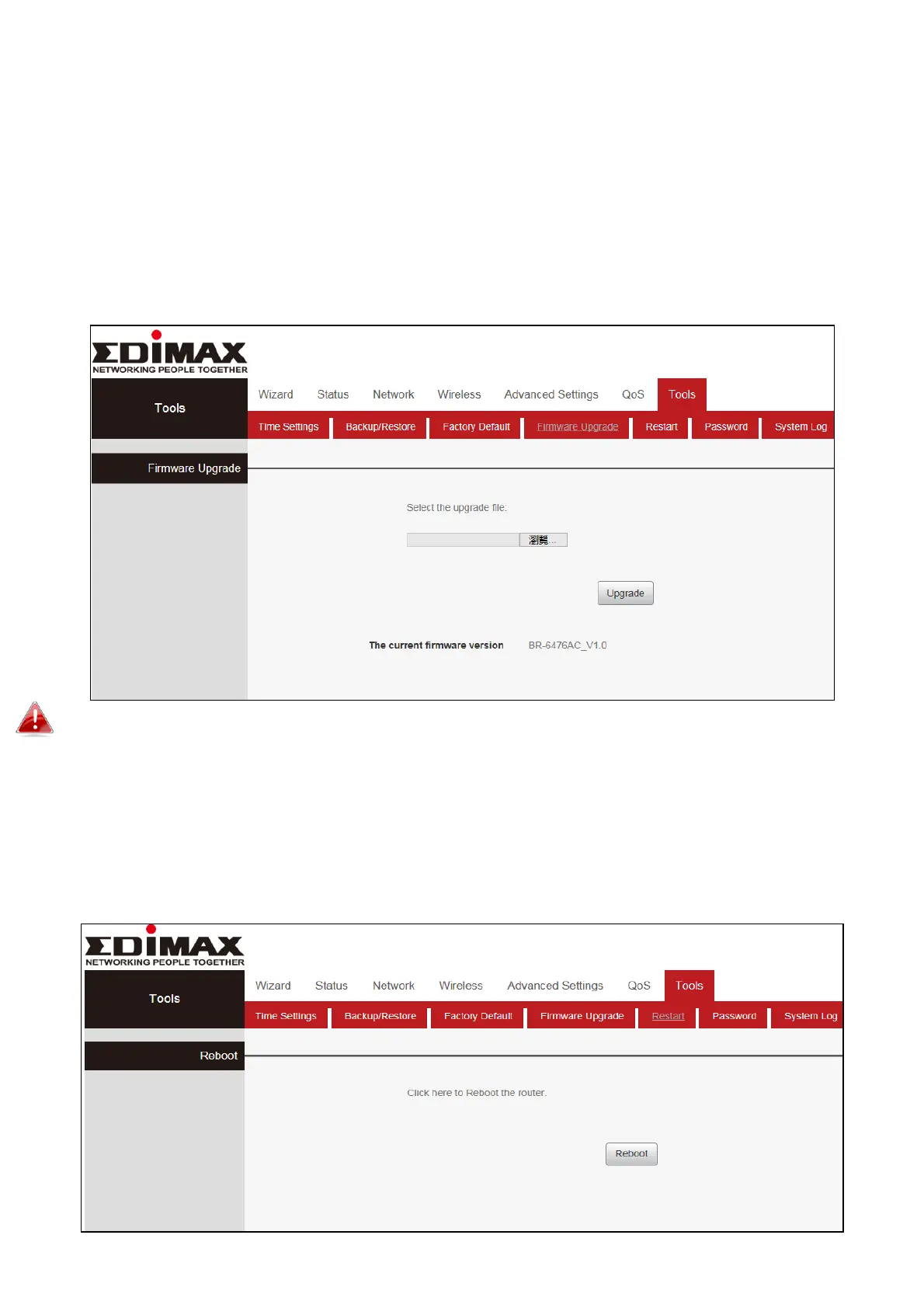
The upgrade page allows you to upgrade the system firmware to a more
recent version. You can download the latest firmware from the Edimax
website. After the upgrade, the system will restart.
Click “Tools”, Select “Firmware Upgrade”, click “Browse” and select the
upgrade file. Finally, click “Upgrade” and wait for the completion.
Do not switch off or disconnect the device during a firmware upgrade, as this
could damage the device. It is recommended that you use a wired Ethernet
connection for a firmware upgrade.
III-7-5. Restart
In the event that the router malfunctions or is not responding, then it is
recommended that you restart the device.


 To Next Page
 Loading...










