61
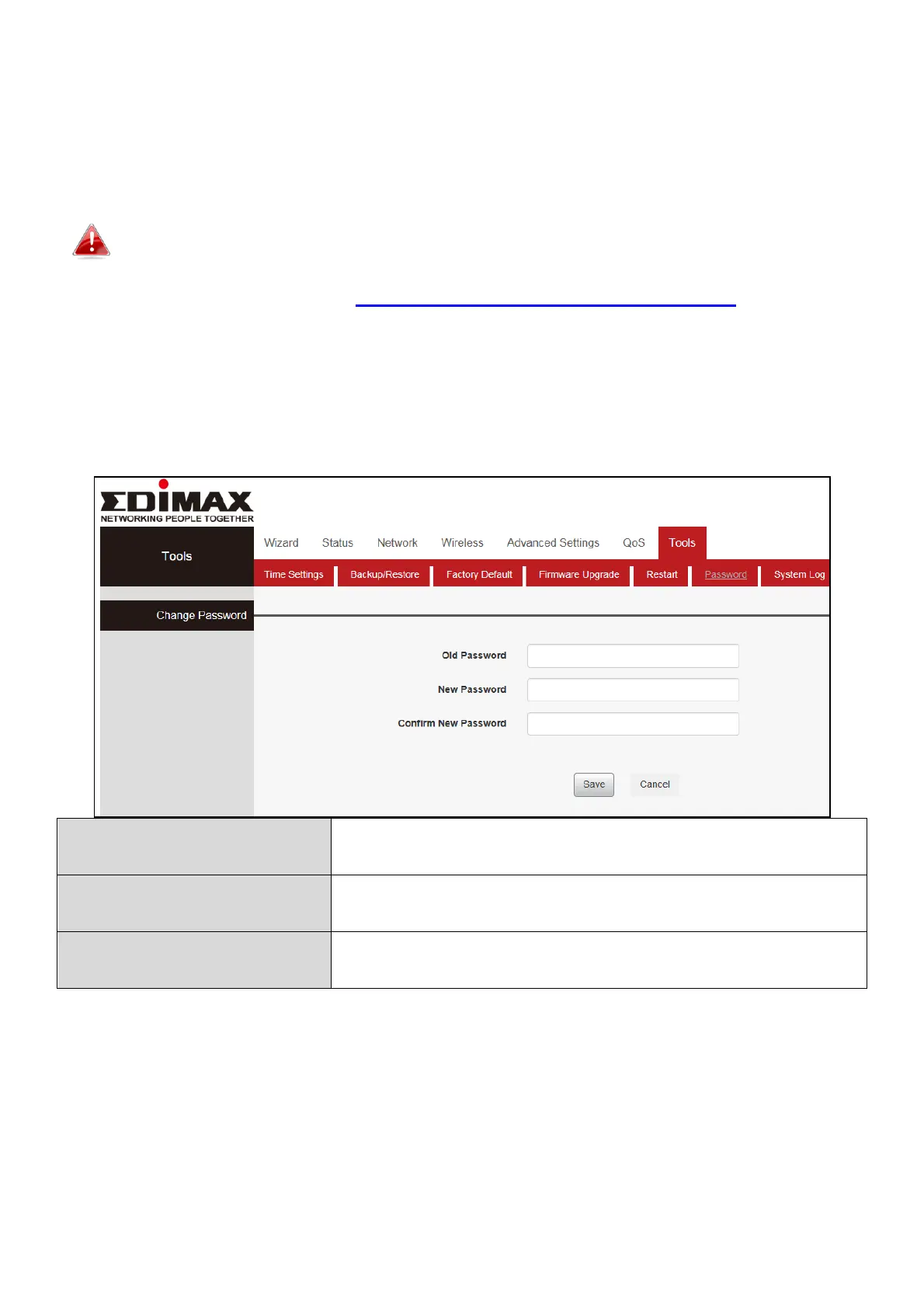
III-7-6. Password
You can change the password used to login to the browser-based
configuration interface here. It is advised to do so for security purposes.
Please make a note of the new password. In the event that you forget
the password and are unable to login to the browser based
configuration interface, see II-5. Reset to factory default settings for how to
reset the device.
Click “Tools”, select “Password”. Enter “Old Password” “New Password” and
“Confirm New Password”, then click “Save” to save you settings.
Enter your current password.
Confirm your new password.


 To Next Page
 Loading...










