EasyManua.ls Logo

Edimax BR-6504n - User Manual

Edimax BR-6504n
131 pages
Print Icon
To Next Page IconTo Next Page
Loading...
0
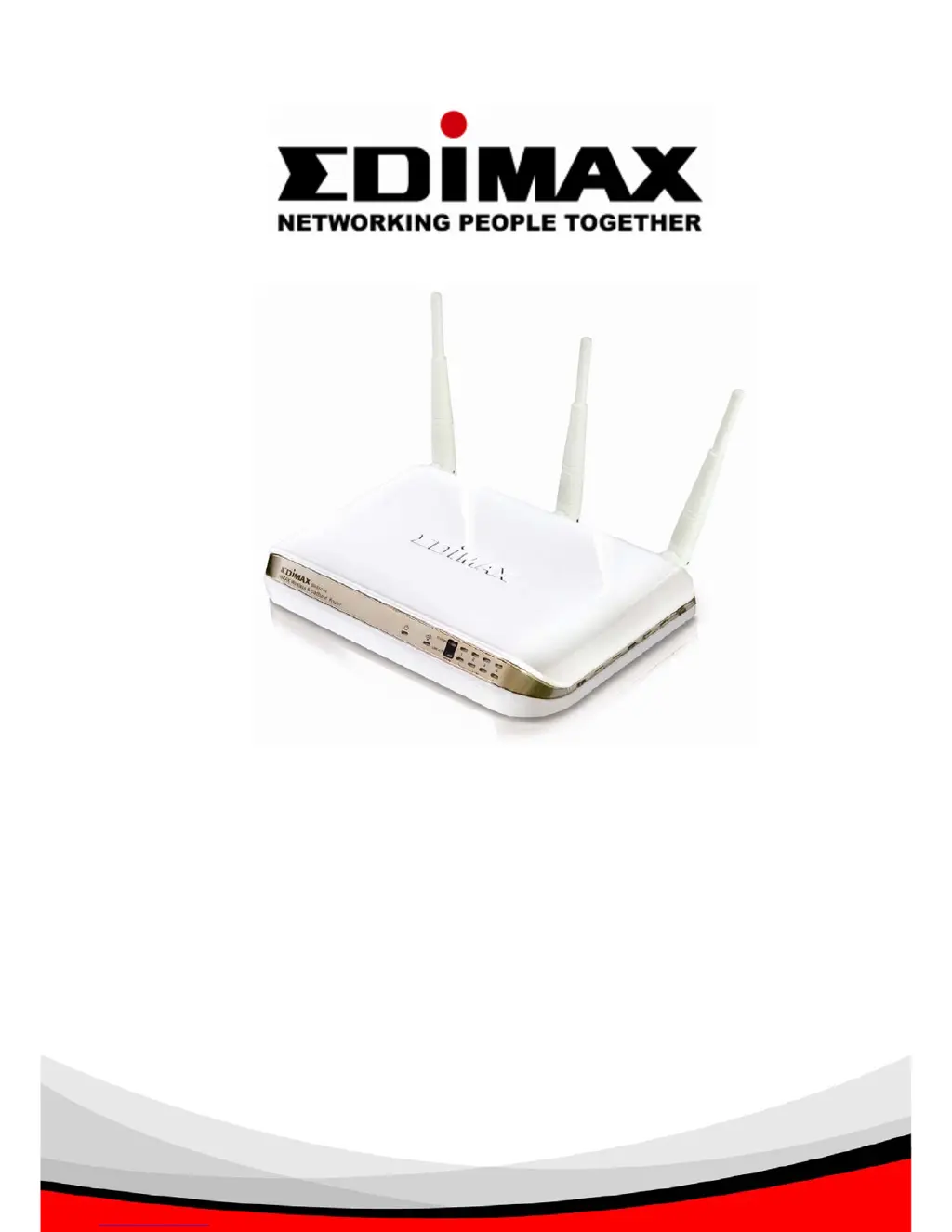
BR-6504N
IEEE802.11b/g/n Draft 2.0
Wireless Broadband Router
Users Manual
Version 1.0.4 (April, 2007)

Table of Contents

Other manuals for Edimax BR-6504n

Questions and Answers

  • N
    Natalie SimonAug 9, 2025
    What to do if my Edimax BR-6504n Wireless Router is not responding when I try to access it via a web browser?
    • M
      Michael BaileyAug 9, 2025
      First, check the power cord and network cable connections to ensure they are correctly and firmly inserted. If all the LEDs are off, verify the D/C power adapter is correctly powered. Ensure your computer uses the same IP address section as the router. If you are using MAC or IP address filtering, try connecting with another computer. If that doesn't work, perform a hard reset by pressing the reset button. Also, ensure your computer is set to obtain an IP address automatically (DHCP). If the issue occurred after a firmware upgrade, contact your dealer.
  • E
    elizabeth01Aug 14, 2025
    Why can't I get connected to the Internet using my Edimax Wireless Router?
    • R
      Ralph WalshAug 14, 2025
      Check the Internet connection status in the ‘Status’ -> ‘Internet Connection’ menu. If you previously connected a computer directly to the Internet, try that again to verify the connection. Double-check your PPPoE / L2TP / PPTP user ID and password. You may also want to call your Internet service provider to check for service issues. If you can't connect to specific websites, check the URL/Keyword filter. Try resetting both your router and the comm device provided by your Internet service provider. If using a hostname fails, try using the IP address; if that works, check your DNS settings.
  • T
    Terri GarzaAug 19, 2025
    What to do if file downloads are very slow or frequently break using my Edimax Wireless Router?
    • B
      Brian JacksonAug 19, 2025
      If you are experiencing slow or interrupted file downloads, try disabling the QoS function and see if that improves the situation. Keep in mind that Internet speeds can vary, so patience is sometimes needed. Resetting the router might also help. Check if other computers on your local network are transferring large files, as this can impact overall speed. If this issue is new, contact your Internet service provider to inquire about network problems.
  • S
    Stephanie WilkinsAug 25, 2025
    Why can’t I locate my Edimax Wireless Router with my wireless client?
    • T
      Tammy HughesAug 25, 2025
      Check if ‘Broadcast ESSID’ is set to off. Ensure all three antennas are properly installed and secured. Try moving closer to the router. If ESSID broadcast is disabled, remember to manually input the ESSID on your wireless client. Ensure antennas are installed and not removed.
  • J
    Johnny BrewerAug 29, 2025
    What to do if I can’t log onto web management interface of my Edimax router because the password is wrong?
    • W
      wilkinsonvictoriaAug 29, 2025
      Ensure you are connecting to the correct IP address of the router. Passwords are case-sensitive, so check that the ‘Caps Lock’ light is not on. If you have forgotten the password, perform a hard reset.
  • J
    Jared CollinsSep 3, 2025
    Why does my Edimax BR-6504n become hot?
    • B
      Bradley ProctorSep 3, 2025
      It's normal for the router to become warm during operation. It is not a malfunction if you can keep your hand on the router’s case. However, if you smell something burning or see smoke coming from the router or D/C power adapter, immediately disconnect the router and D/C power adapter from the power outlet (ensure it's safe to do so first!), and contact your dealer.

Edimax BR-6504n Specifications

General IconGeneral
BrandEdimax
ModelBR-6504n
CategoryWireless Router
LanguageEnglish

Related product manuals