11
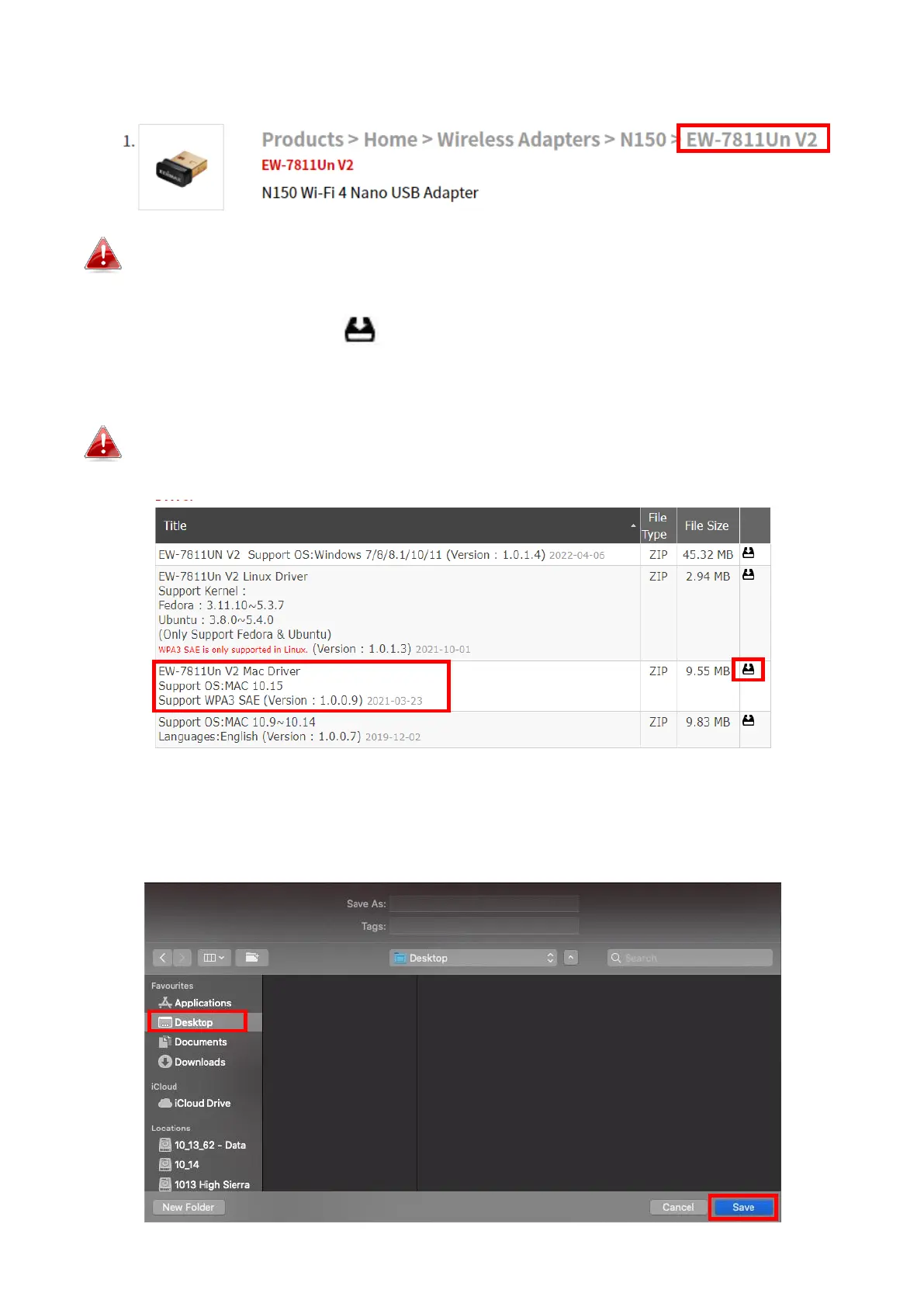
3. Click on the model number.
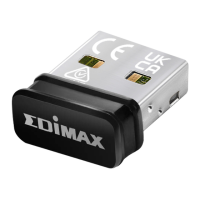
Ensure the model number corresponds with the USB adapter.
4. Scroll down the web page and select the right OS version. Move the cursor
to the “Download icon” and save the driver on the computer desktop
or a location you prefer.
Ensure you select the correct file for your version of Mac OS. To
check your version of Mac OS, click the Apple logo in the top left
corner of your desktop and go to “About This Mac”.
5. Click “Download Linked File As…” and select “Desktop” and click “Save”
to store the driver on the computer desktop.
EW-7811UnV2_MAC_Driver_1.


 To Next Page
 Loading...