2
Insert Plug-and-Play Connect
II. Windows Plug-and-Play Installation
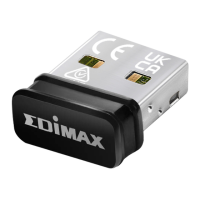
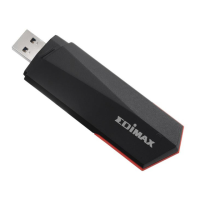
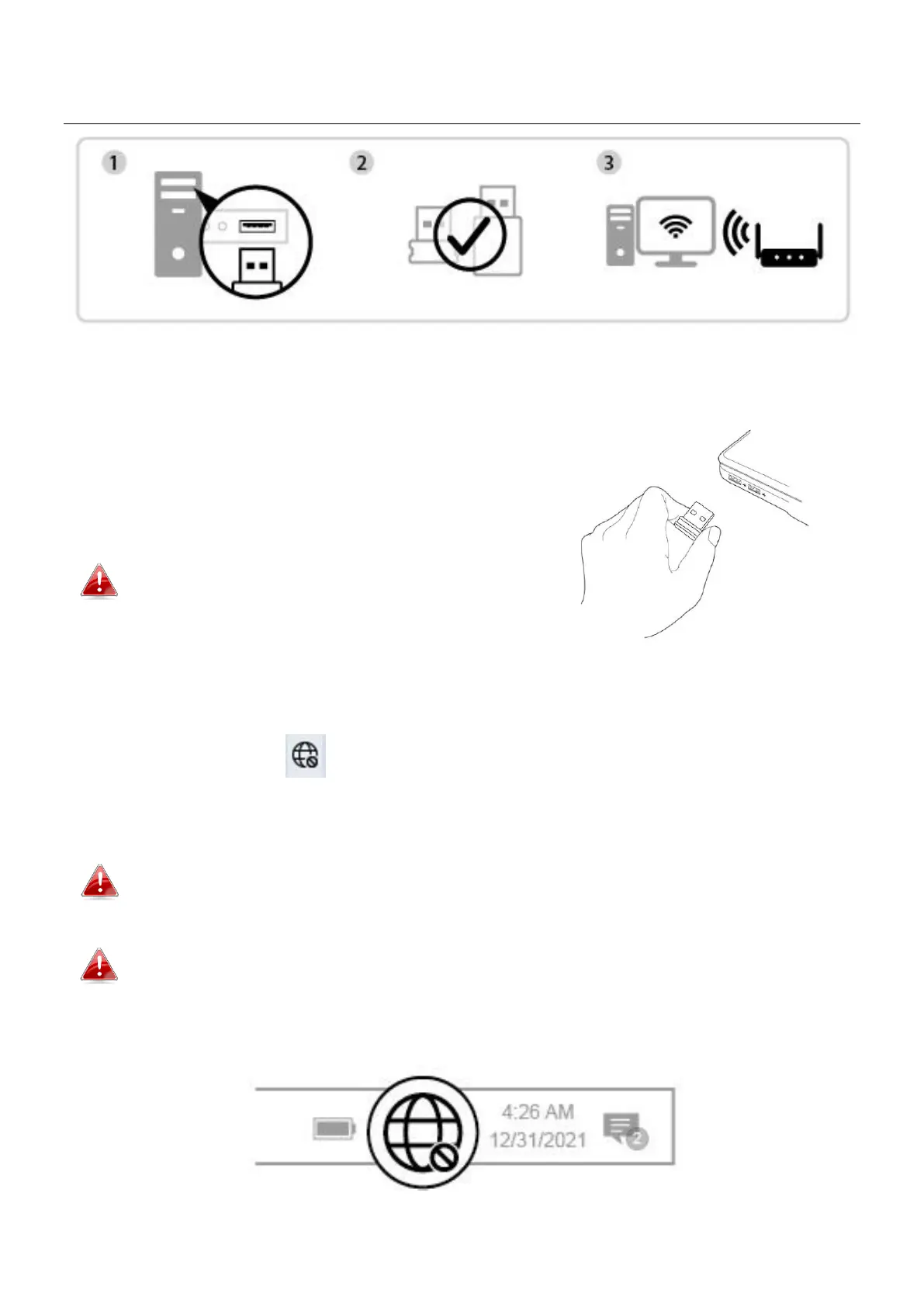
II-1. Insert the USB Adapter
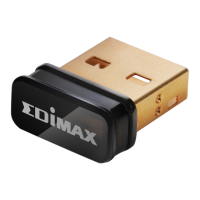
1. Insert the USB adapter into the USB port
and then switch on your computer.
Never use force to insert the USB
adapter.
II-2. Plug-and-Play
1. The Network icon will be displayed on the bottom-right corner of the
Windows taskbar if the Plug-and-Play function is supported. (If Network
icon doesn’t display, please refer to VI. FAQ->Q1)
Notice that the Network icon might be different depending on the version
of your Operating System.
If your Operating System does not recognize the USB adapter, you will
need to install an additional driver on your computer. Please refer to
“Section III”.


 To Next Page
 Loading...