9
II. Camera Setup
II-1. Door Installation
The door camera unit mounts conveniently and securely to your door’s
peephole. Carefully remove any existing viewer/cover on your peephole
before you begin.
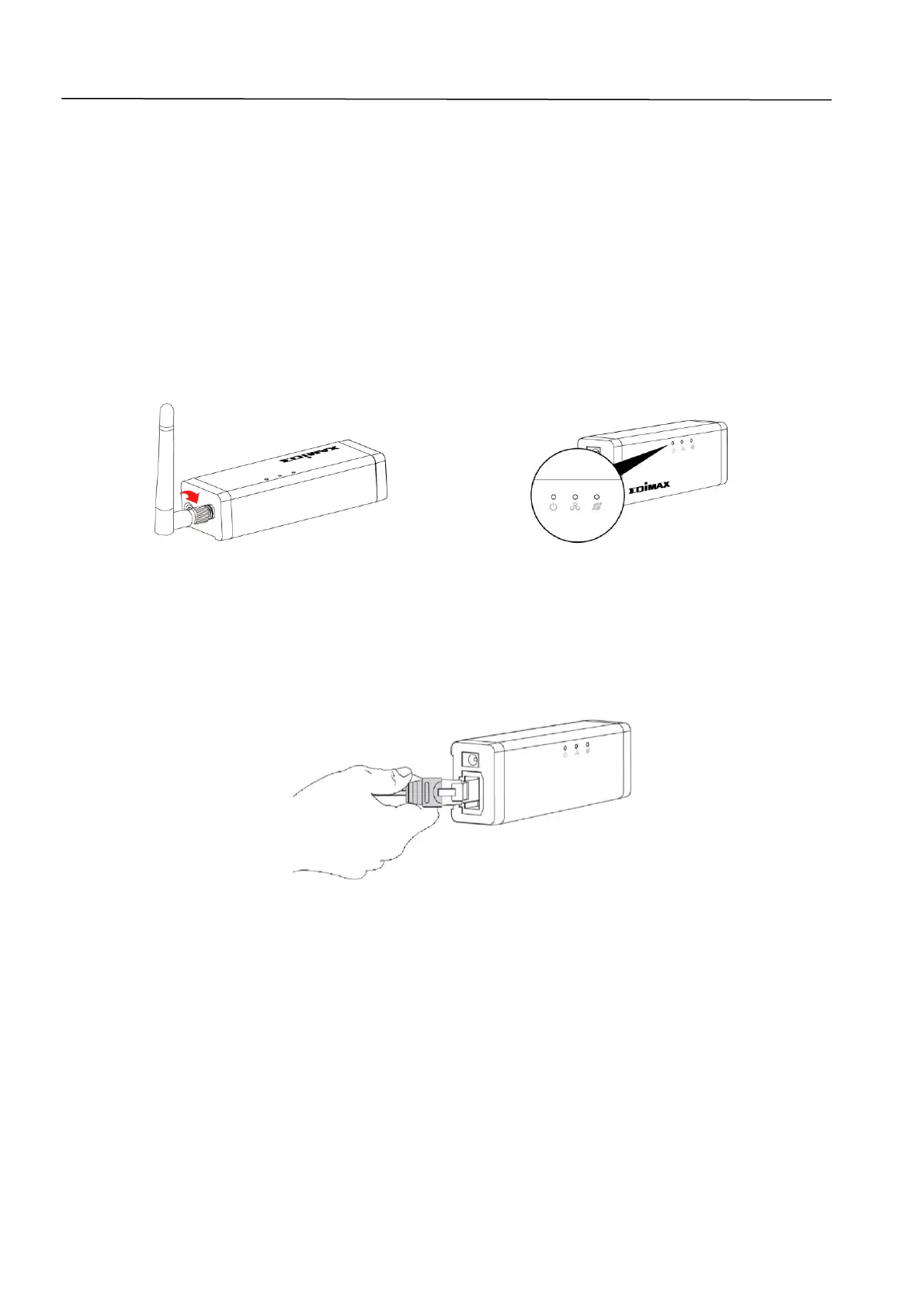
1. Screw on the included antenna to the gateway unit and connect the power
adapter. The green power LED will flash slowly when the gateway is ready.
2. Use an Ethernet cable to connect the gateway to your wireless router or
access point. The green power LED and orange Internet LED will display on
to indicate successful cloud and Internet connections.


 To Next Page