24
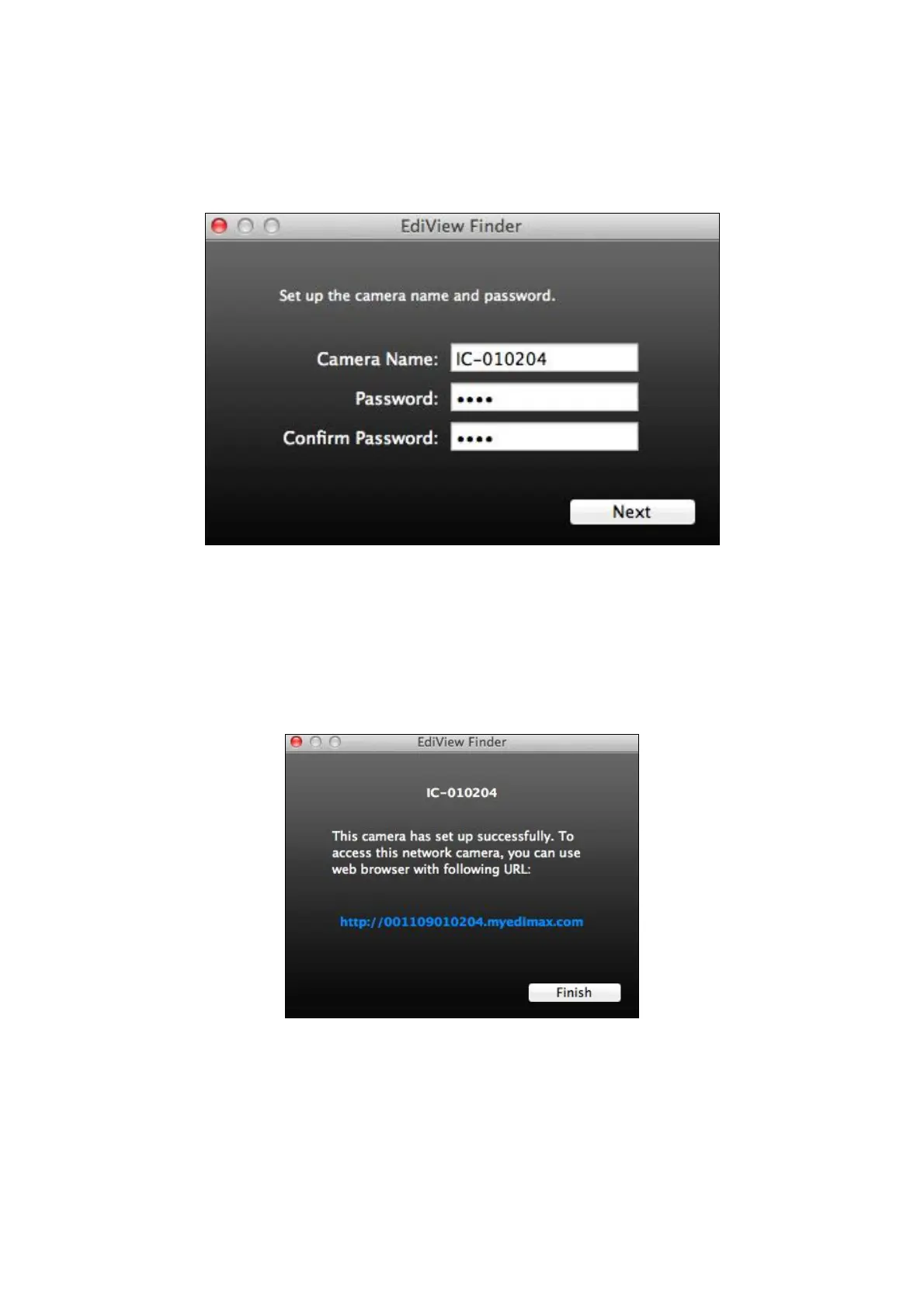
5. Enter a name and password for your camera. The password will be used
later to log in to your camera remotely via its cloud ID, web interface or via
the EdiView II smartphone app. Click “Next” to continue.
6. The next screen will indicate that setup is complete. The camera is
operational and ready to be configured for a wireless connection. Click
“Finish” and a preview window showing a live stream from your camera
may open.


 To Next Page