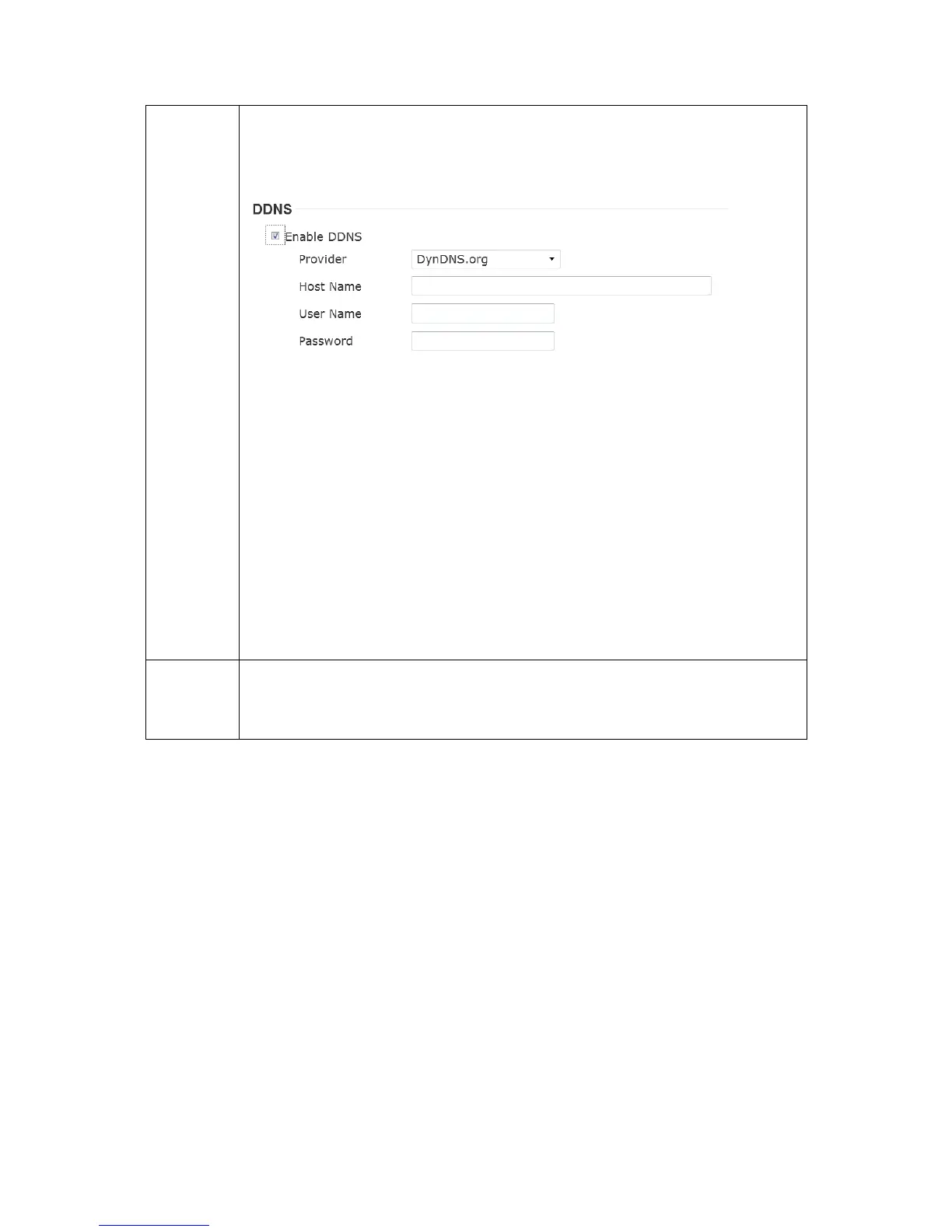
Enable DDNS support if your ISP assigns dynamic IP address to
you. You must register a dynamic IP service first. Currently this IP
camera supports Dyndns, TZO and No-ip dynamic IP service.
Provider: Select dynamic IP service provider.
Host Name: Input the host name you obtained from dynamic IP
service provider.
User name: Input user name used to login dynamic IP service
provider.
Password: Input the password used to login dynamic IP service
provider.
*The user name and password should be under 16 characters.
Check ‘Enable HTTPS’ box to enable HTTPS channel to encrypt
transferred data. You can also define HTTPS port number in
‘HTTPS Port’ field if you don’t want to use default value ‘443’.



 To Next Page