74
4-3 Configuration
Before you can use EdiView, you must configure at least 1 IP cameras.
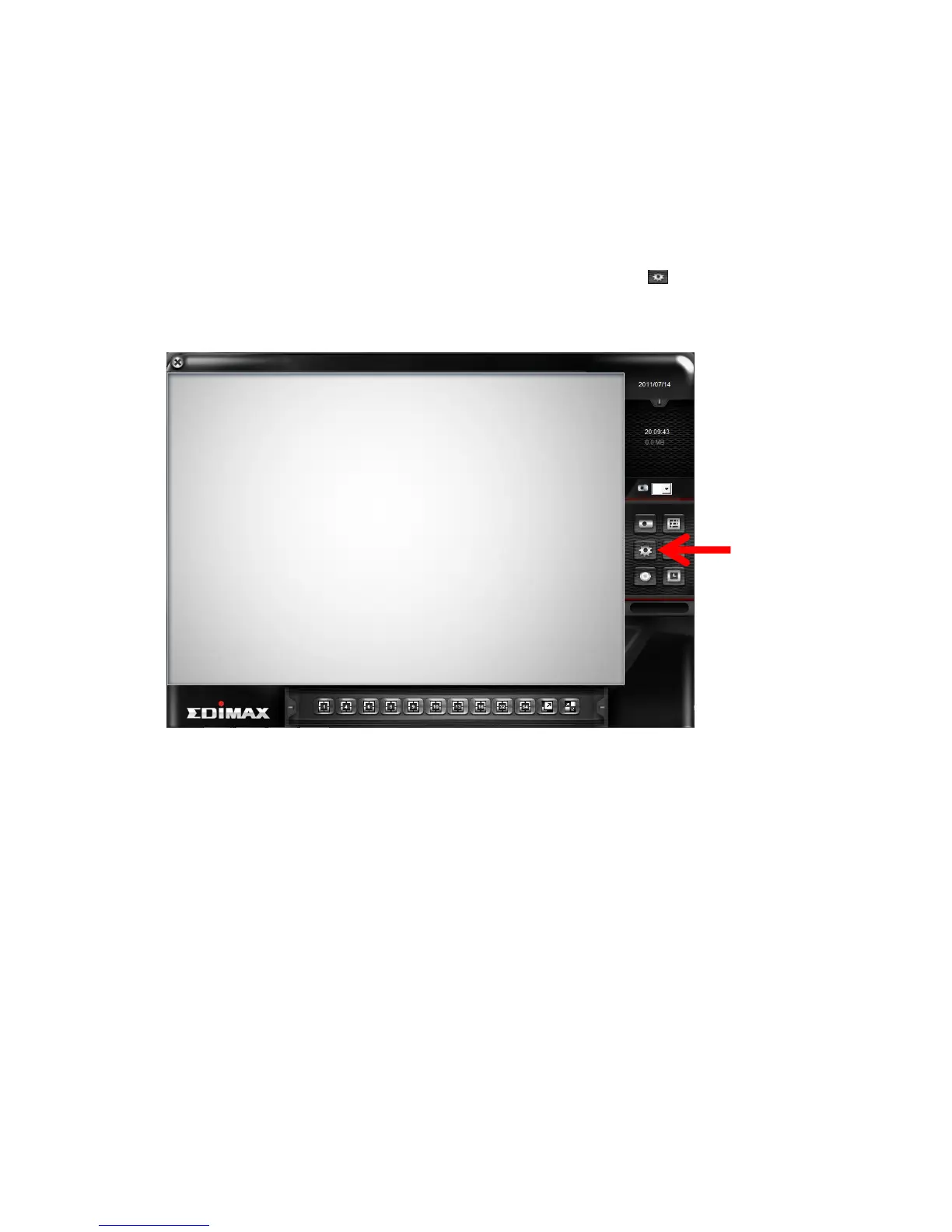
To enter configuration menu, click ‘Configuration’ button in EdiView’
main menu:
The configuration menu will appear. There are 6 sub menus in the
configuration menu:
Device (Add or remove IP camera / video server)
Recording (Configure video recording)
System (Configure system-wide settings)
Schedule (Configure schedule recording)
Event (Configure event recording)
Security (Configure EdiView user list)
Detailed descriptions of every sub menu will be given in following
chapters.



 To Next Page