37
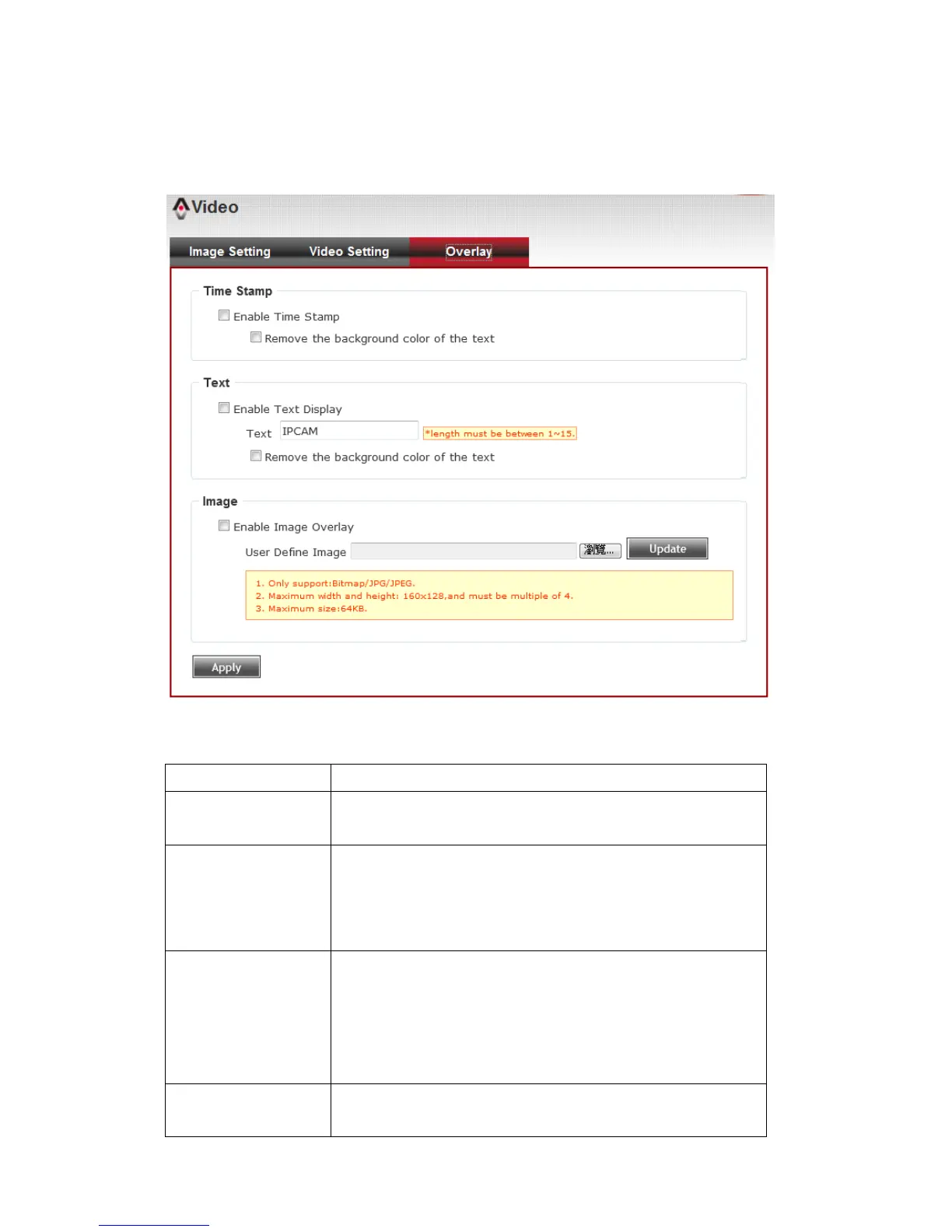
3-5-3 Overlay Setting
You can adjust the video overlay parameters in this page.
Here are the descriptions of every setup item:
Check this box to enable overlaying time stamp on
video.
Remove the
background color
of the text
(for Time Stamp)
Check this box to remove time stamp’s
background color. You may find this will help the
readability of time stamp text in some cases.
Check this box to display certain text on video, this
will help when you need to identify certain IP
camera when you have a lot of IP cameras.
Please input the text in ‘Text’ field. You can input
up to 15 characters.
Remove the
background color
Check this box to remove custom text’s
background color. You may find this will help the



 To Next Page