89
4-3-5 Event
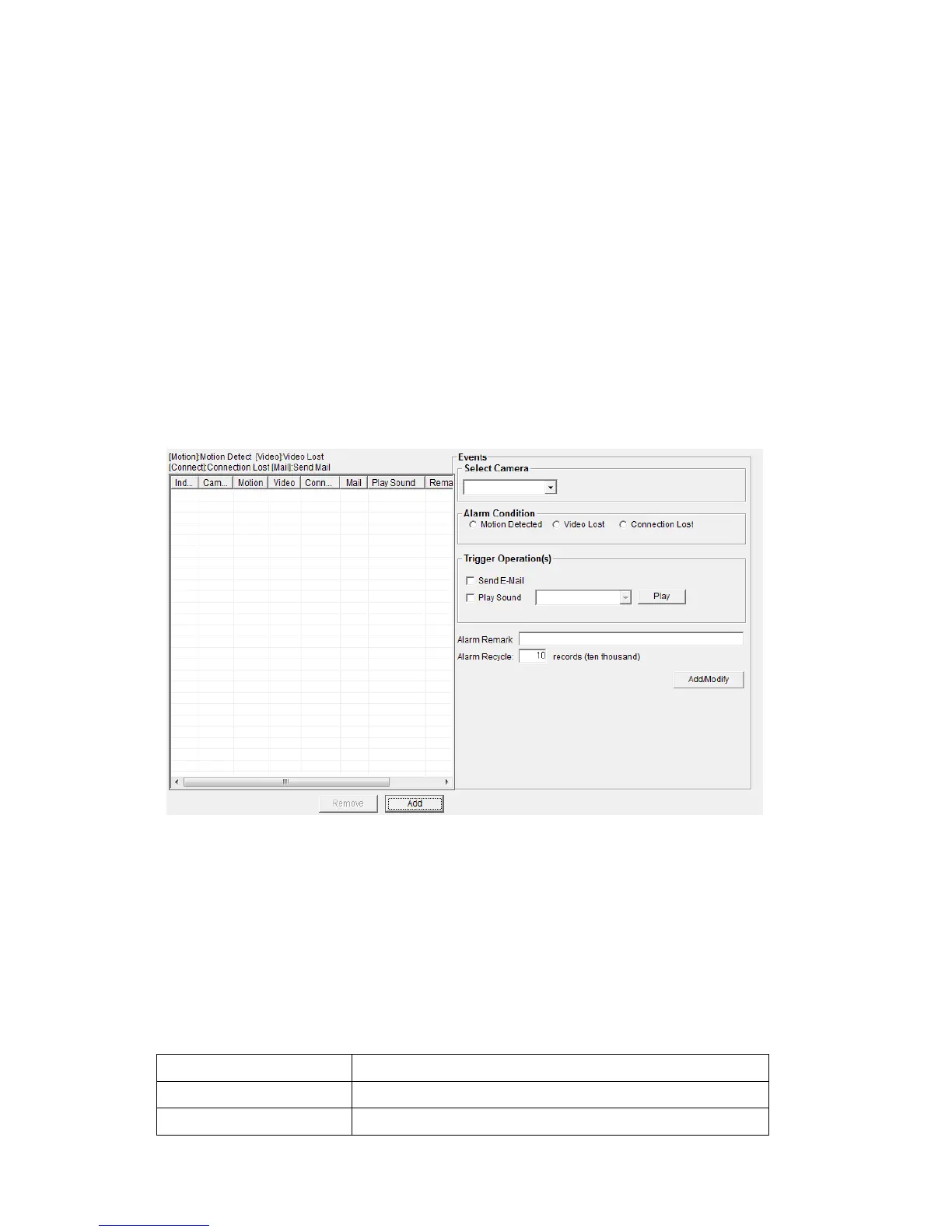
EdiView can send you an alarm E-Mail message so you can know
something happened on the IP camera (motion detected, video lost, or
connection lost). A sound can be played to notify the operator at the
computer where EdiView is installed, too.
To add a new event, click ‘Add’ button, and a new window will appear on
the right for you to setup a new event.
To remove an existing event, select an event in the list and click ‘Remove’
button.
The descriptions of every setup items are listed as follow:



 To Next Page