Check this box to overlay a specific image on
video, so you can show certain text / picture on
the video and help people to identify this IP
camera.
Click ‘Browse’ button to pick a picture on your
computer, then click ‘Update’ button to use the
picture. Please note that there are certain
restrictions:
- Select .bmp / .jpg / .jpeg image files only.
- Image’s resolution should be less than 160 x
128, and can be divided by 4.
- Do not upload image files that size is greater
than 64KB.
When you finish with above settings, click ‘Apply’ button to save changes.
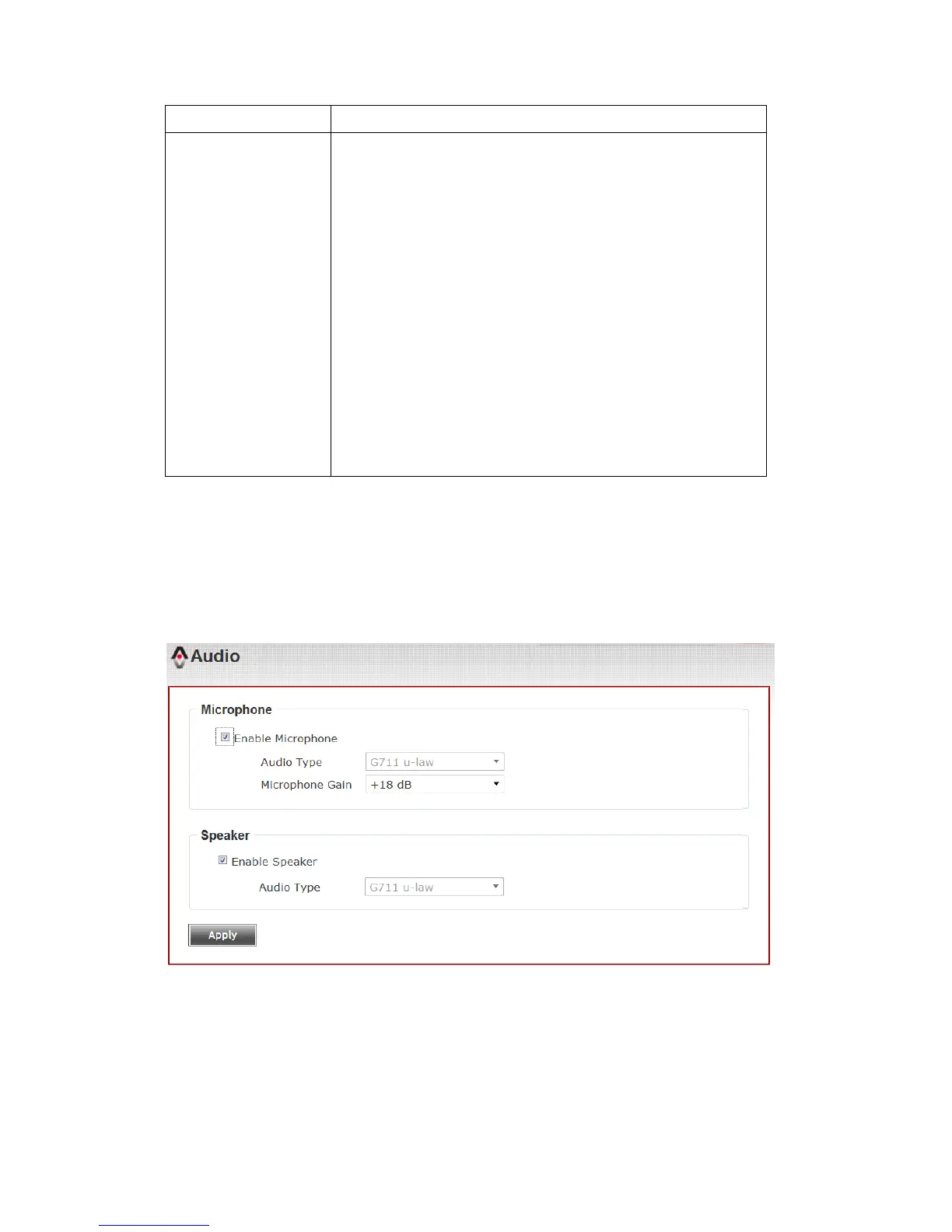
3-6 Audio
You can adjust audio input / output parameters here.



 To Next Page