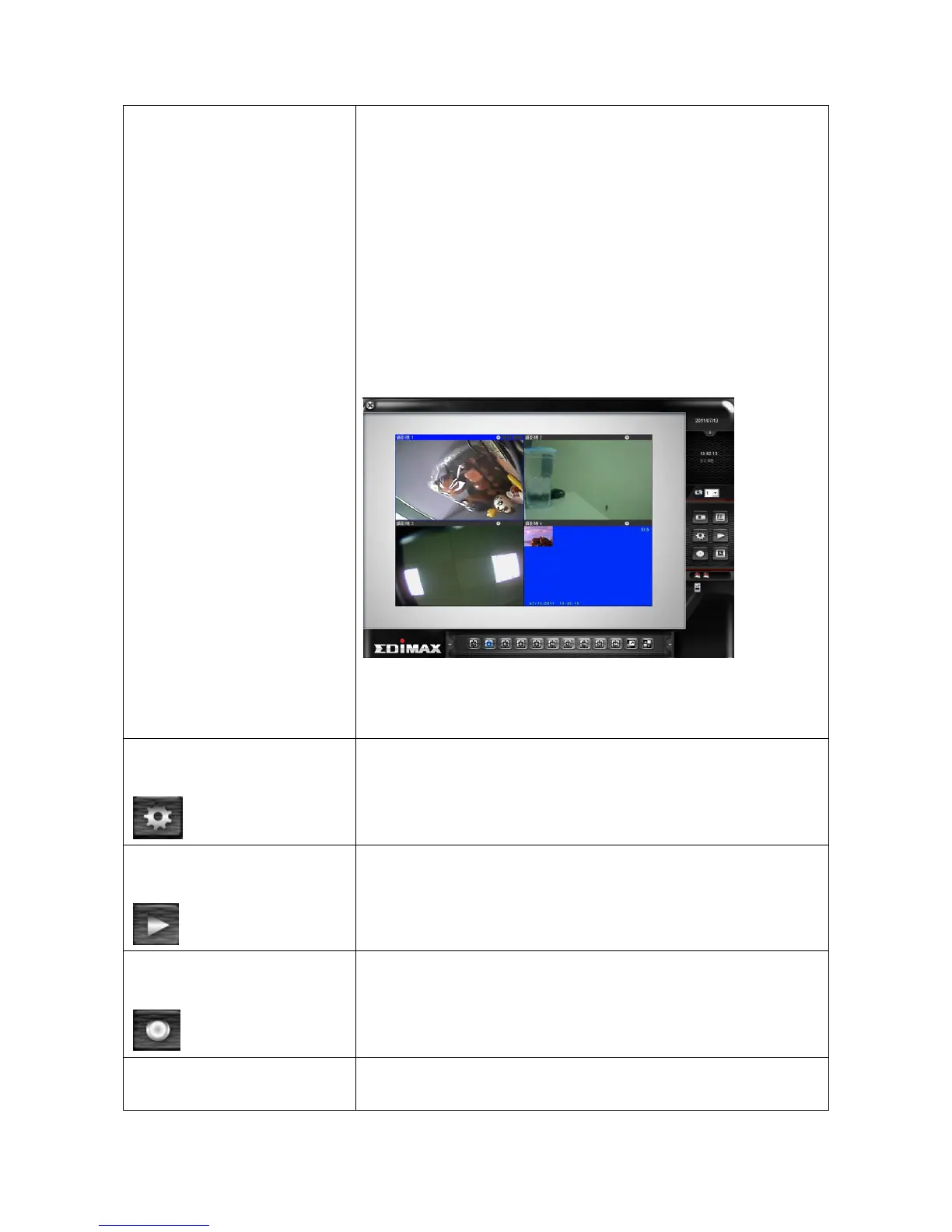
Select the camera you wish to add from ‘Camera’
dropdown list, and check the box ‘Image Lost’ and / or
‘Motion Detected’ if you want to get a warning
message when image lost of motion is detected, then
select the direction of camera icon, this will help you
to remember the orientation of camera on the EMAP.
After you click ‘OK’ button, a camera icon will appear
on EMAP with its camera number indicated:
You can add more cameras to EMAP by repeating
procedures listed above.
Start / stop video recording.
When recording video, this button will appear as red.
Enable schedule recording. You must define schedule
in advance before you can enable schedule recording.



 To Next Page