87
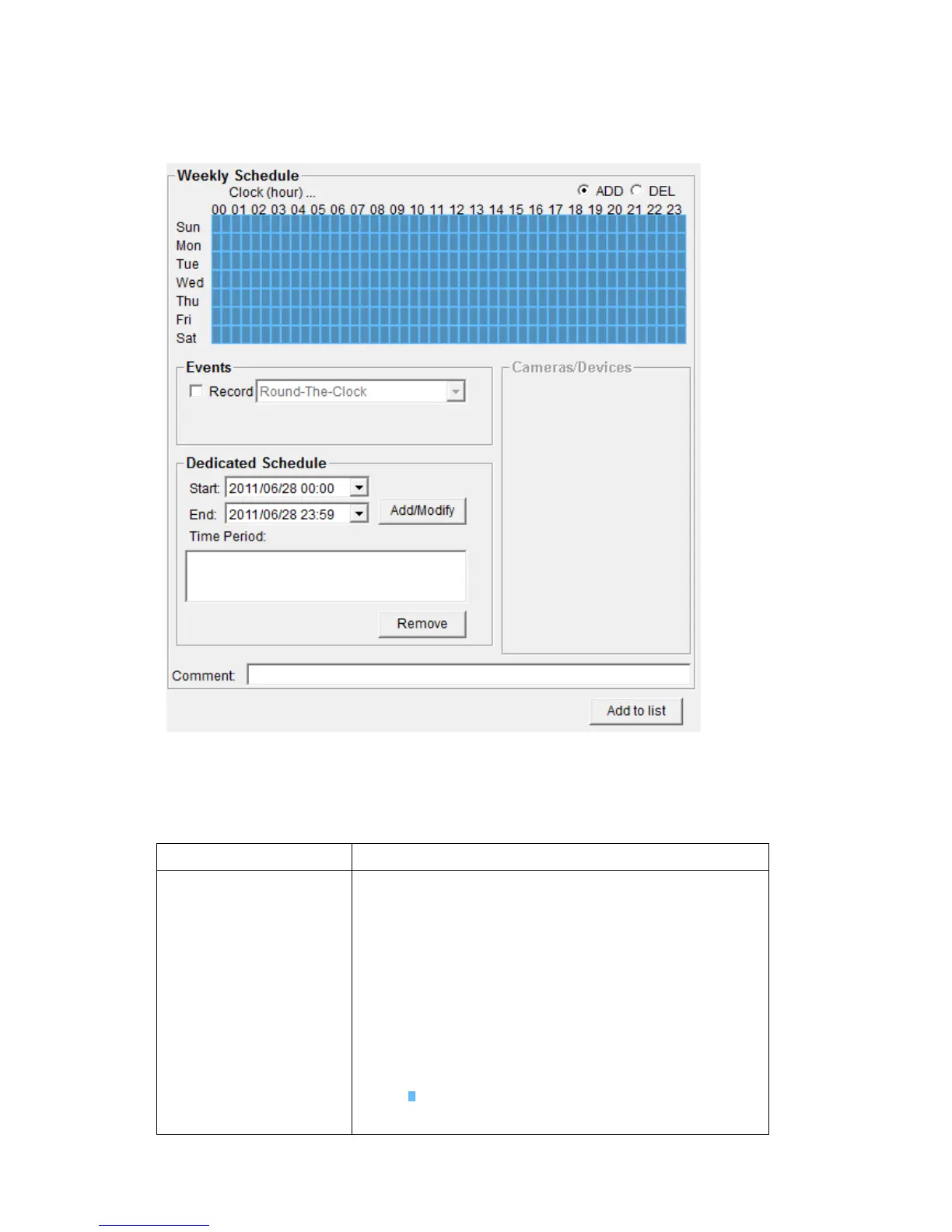
A new window will appear on the right:
You can configure a new schedule recording job here. The descriptions of
every setup items are listed as follow:
Select the time period in a week of this
schedule. There are total 48 x 7 blocks in a week
schedule, where every block represents half an
hour.
You can use mouse to click on the block to add
or delete time period. If recording is activated in
that time period, the block will appear as light
blue . If recording is NOT activated in that
time period, the block will appear as dark blue



 To Next Page