96
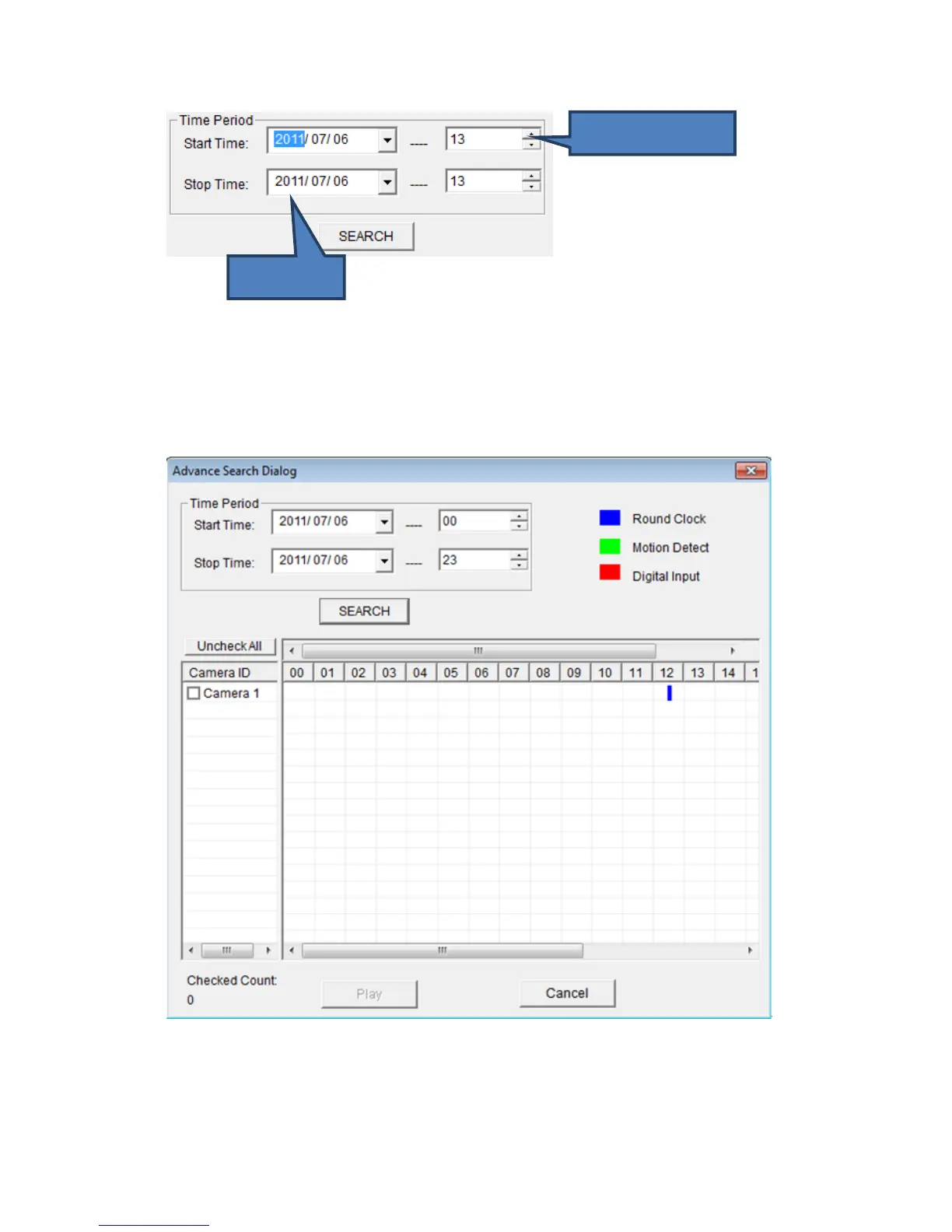
(You can input 0 - 23 in ‘Hour in a day’ field by keyboard directly).
When you finish, click ‘SEARCH’ button to search for recorded video, and
you’ll get a similar output like this:
In this picture, a recorded video of ‘Camera 1’ has been found at 12 o’clock.
A blue mark indicates it’s a ‘Round Clock’ (manual) recording.
Other record type include:



 To Next Page