30
Installing the driver (Windows)
In order to get the best performance from the software you are using, you must
choose the correct device settings. The FA-66’s audio driver supports WDM and
ASIO 2.0.
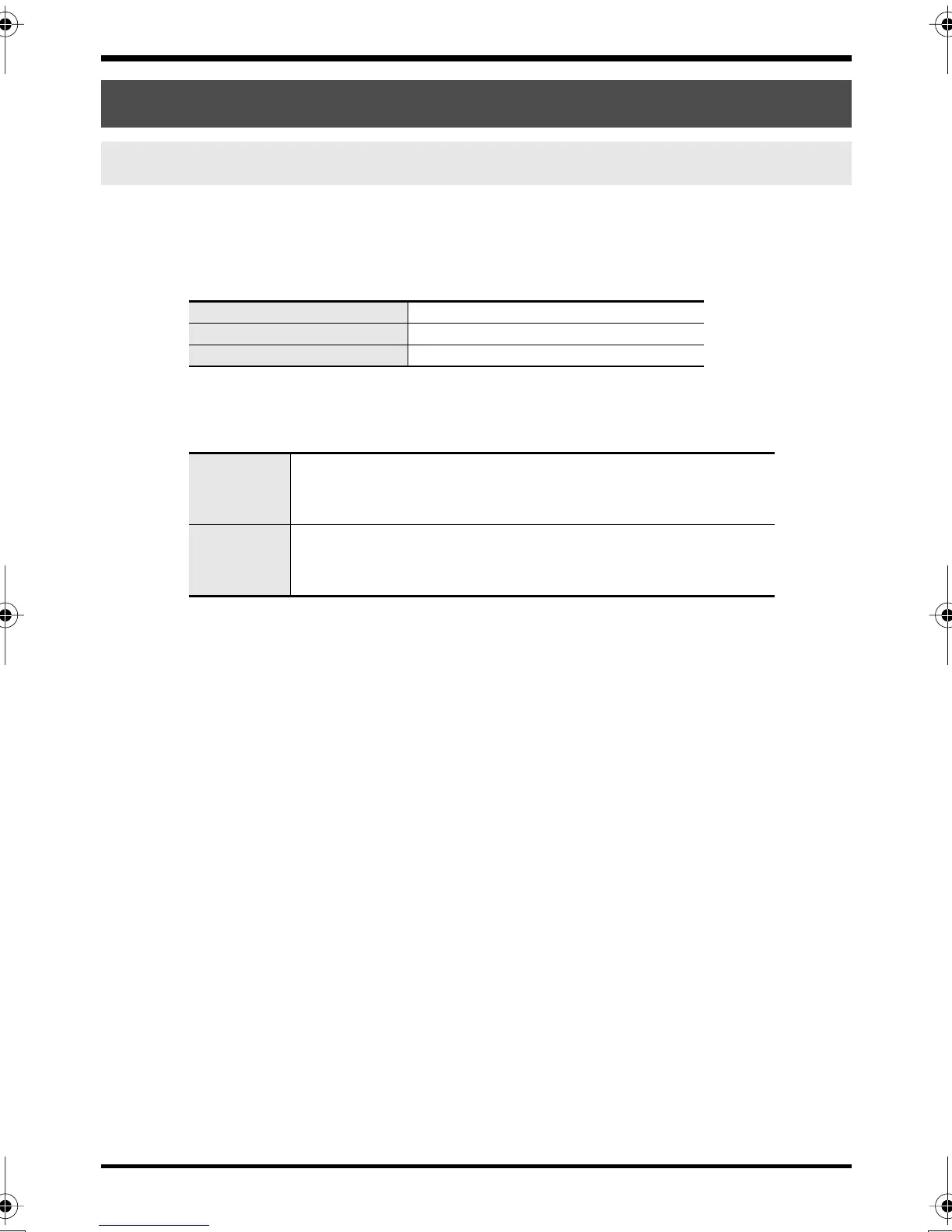
Audio devices
Note 1: Refer to
“How WDM ports correspond to FA-66 output jacks”
(p. 31).
MIDI devices
* For details on how to make settings for your software, you should also refer to the
owner’s manual for your software, as well as to
“Software settings”
(p. 40).
* If you are unable to select the FA-66 in the device settings of your software, it is
possible that the FA-66 driver was not installed correctly. Please re-install the driver.
Driver settings
About the input and output devices
Audio output device (WDM)
EDIROL FA-66 Out 1–3
Note 1
Audio input device (WDM)
EDIROL FA-66 In 1–3 Note 1
ASIO device
EDIROL FA-66
MIDI OUT
EDIROL FA-66 MIDI OUT
If you specify EDIROL FA-66 as the output port for your sequencer
software, etc., messages will be sent from the FA-66’s MIDI OUT
connector.
MIDI IN
EDIROL FA-66 MIDI IN
If you specify EDIROL FA-66 as the input port for your sequencer
software, etc., messages will be received from the FA-66’s MIDI IN
connector.
FA-66_e.book 30 ページ 2006年1月12日 木曜日 午前11時32分


 To Next Page