34
Installing the driver (Windows)
Before you start up your software, use a FireWire (IEEE
1394) cable to connect the FA-66 to your computer, and
turn on the power of the FA-66.
If your software allows you to specify MIDI and audio
input/output settings, choose
EDIROL FA-66
. For details,
refer to the owner’s manual for your software. Also refer to
“Software settings”
(p. 40).
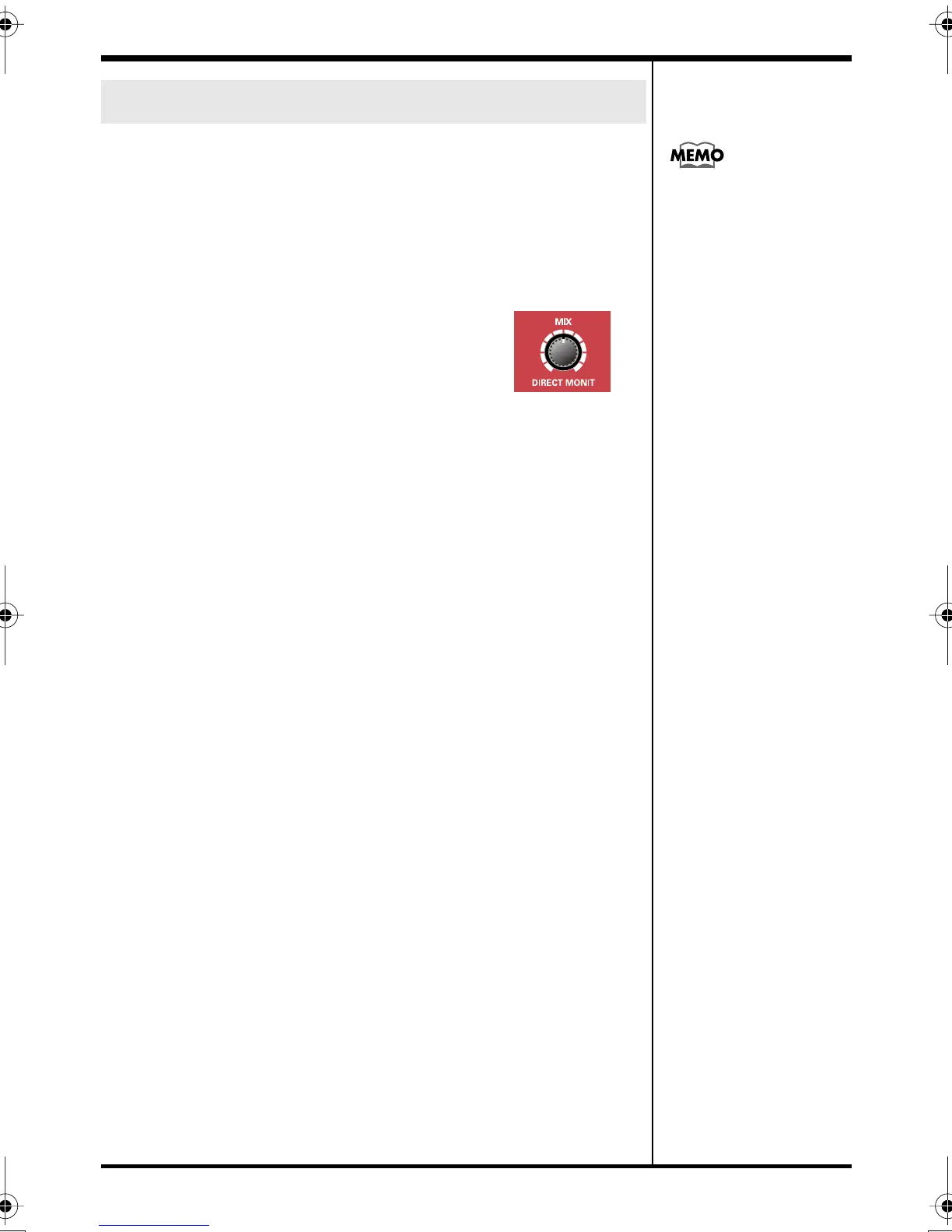
If you have turned on software
monitoring in your application, turn the
FA-66’s hardware monitoring (direct
monitor) off to prevent double monitoring
and to keep an audio feedback loop from
occurring.
Software settings
For the latest information,
please visit
http://www.edirol.com/
FA-66_e.book 34 ページ 2006年1月12日 木曜日 午前11時32分


 To Next Page